1
TDMA.book Page 26 Friday, April 7, 2000 4:45 PM
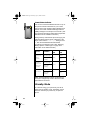
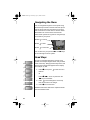
Reading the Indicators
8
1
2
3
4
5
6
7
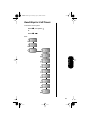
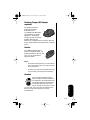
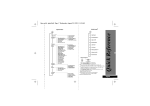
Signal Strength Indicator (1)
High
Low
The Signal Strength Indicator (SSI) indicates the
strength of your phone’s connection with the local
cellular system. A strong signal increases your
chances of placing and receiving calls. Low signal
strength can occur in a fringe area of the cellular
system. Buildings, tunnels, and bad weather can
block or interfere with reception.
Digital Indicator (2)
If you are in a digital coverage area, the digital
indicator appears.
In Use Indicator (3)
The In Use (IU) Indicator appears when a call is in
progress.
In-Building Indicator (4)
The In-Building Indicator lights when the phone
accesses an In-Building Cellular System or other
non-public system.
No Service Indicator (5)
If you travel beyond the range of a cellular system,
the No Service Indicator appears to let you know
that calls cannot be placed or received from your
location.
26