1
6.
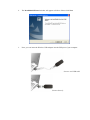
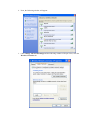
The setup program executes the installation by copying corresponding files to your
computer in this InstallShield Wizard window.
7.
Now the system will ask you to restart your computer to complete the whole installation.
After choosing the proper setting, please click Finish.
8.
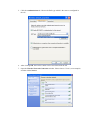
After restarting your computer, the system will find the hardware (wireless LAN card)
automatically. When it is located, a message will be shown on the system tray.
9.
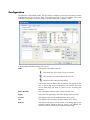
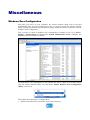
Now, you can find the Wireless USB Adapter utility icon in the system tray.
Double-click it to open the configuration window of Wireless USB Adapter.