1
User's manual MioMap
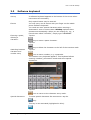
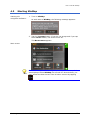
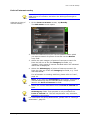
For information on the use of the keyboard, please refer to
"Software keyboard", page 11.
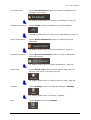
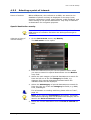
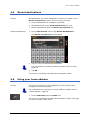
For information on working with lists, please refer to "Lists",
page 16.
2.4
Lists
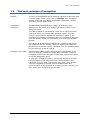
Survey
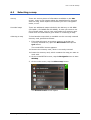
There is many cases where you have to select an entry from a
list.
If, for example, you have not completely entered the name of a
town before tapping OK, a list appears which contains all towns
beginning with your entry or having it into their names. The
postcode of the towns is also indicated in order to allow you to
choose the correct one if there is more than one town with the
same name.
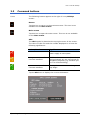
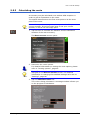
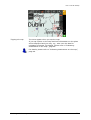
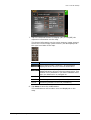
Entry with focus
One of the entries has the focus. This entry is written in bold and
is placed a little more at the left than the other entries of the list.
Moreover, there is often some additional information on that
entry in a 2nd or 3rd line. In a list of towns, there is indicated the
county the respective town belongs to.
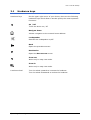
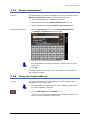
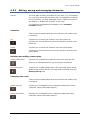
Icons
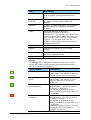
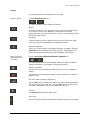
At the right hand side of lists, there are three icons:
OK: Tap this icon to confirm the selection of the entry with the
focus (which is placed directly at the left of the OK icon).
Up: Tap this icon to scroll the list one item up.
Down: Tap this icon to scroll the list one item down.
Example
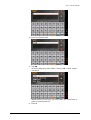
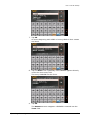
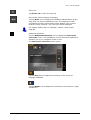
Search for LONDON.
1. In the MAIN MENU tap One destination.
The DESTINATION screen opens.
2. Tap Address.
The ADDRESS screen opens.
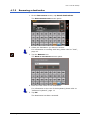
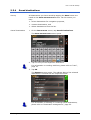
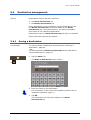
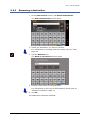
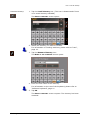
3. Tap the Town entry field.
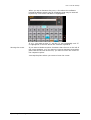
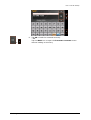
The software keyboard appears, and the cursor is blinking in
an empty entry field.
Operating the navigation software
- 16 -