1
Entering Numbers, Symbols, Smileys,
Emoticons, Preset Messages
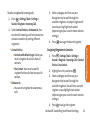
To enter numbers:
©
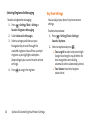
To enter symbols:
©
Select Symbols mode (See "To change the
character input mode:" on page 26). To
enter a symbol, scroll through the available
symbols and press
or press the
corresponding number key on the keypad.
©
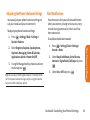
Select Emoticons mode (See "To change the
character input mode:" on page 26). To enter
an emoticon, scroll through the available
emoticons and press
or press the
corresponding number key on the keypad.
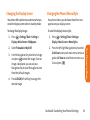
To enter preset messages:
1. Press OPTIONS (right soft key) and select
Add Preset Messages .
2. Highlight the desired preprogrammed
message and press
.
Note: Preset messages make composing text messages
even easier by allowing you to enter preset messages. You
can add a preset a message of your own. For more
information on preset messages, please see “Managing
Preset Messages”on page 39.
Section 2A: Your Phone: The Basics
29
Phone Basics
Select 123 mode and press the appropriate
number key on the keypad (See "To change
the character input mode:" on page 26).
To enter Emoticons: