1
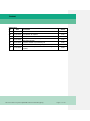
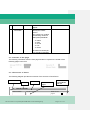
Frame “Queue Management”
Using this frame the participant will be able to optimize the order of transactions in the
PM payment queue. It consists of four sub frames:
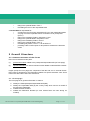
● Sub frame
Change of priorities – from “normal” to “urgent”
● Sub frame
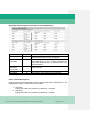
Change the order of the payments (re-ordering) – decrease/increase
● Sub frame
Revocation of one payment
● Sub frame
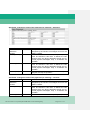
Change the Execution Time of a payment – Change Earliest Debit Time
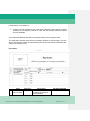
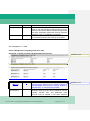
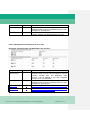
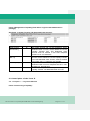
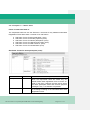
Sub frame “Change of priorities – from “normal” to “urgent””
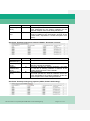
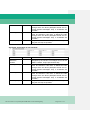
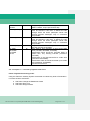
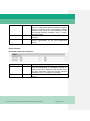
Field
Transaction
Reference
Number
Sender [BIC-11]
Presence
M
M
Receiver [BIC-11]
M
Amount (EUR)
O
Description
An alphanumeric reference of up to 16 characters
assigned by the sender to messages sent over the
SWIFT network, unique per business day.
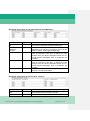
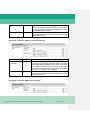
The Addressee BIC-11 of the participant (debtor)
must be entered in this field. It defines the BIC
through which the direct participant sends and receives payment messages. Only 11 characters are
possible.
The Addressee BIC-11 of the participant (creditor)
must be entered in this field. It defines the BIC
through which the direct participant sends and receives payment messages. Only 11 characters are
possible.
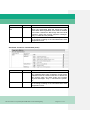
Entry field for the amount. Only 15 characters (including the comma) are possible.
for the event of a participant/CB failure and Contingency
Page 24 of 47