1
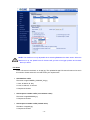
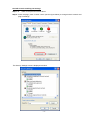
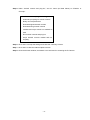
If the Web browser doesn’t allow DC Viewer installation, please check the Internet security settings or
ActiveX controls and plug-ins settings (see Appendix B: Internet Security Settings) to continue the
process.
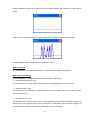
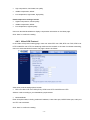
The Information Bar (just below the URL bar) may come out and ask for permission to install the
ActiveX Control for displaying video in browser (see the figure below). Right click on the Information Bar
and select “Install ActiveX Control…” to allow the installation.
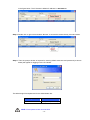
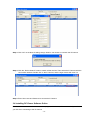
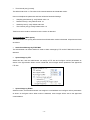
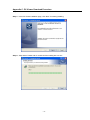
Then the security warning window will pop up. Click “Install” to carry on software installation.
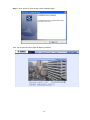
Click “Finish” to close the DC Viewer window when download is finished.
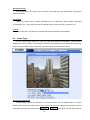
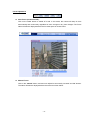
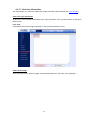
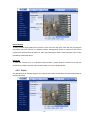
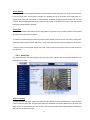
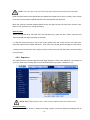
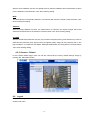
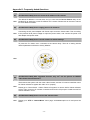
Once login to the IP Camera, users will see the Home page as shown below:
- 25 -