1
Wireless-G Broadband Router
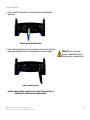
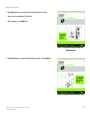
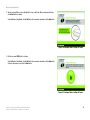
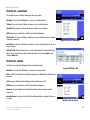
9. Decide which network computers or Ethernet devices you want to connect to the Router.
Disconnect the selected computers or devices from the other router, and then connect them to the Router’s
numbered ports using standard Ethernet network cabling.
Figure 4-6: Connecting Your Network Devices
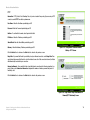
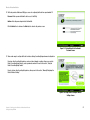
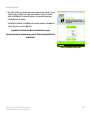
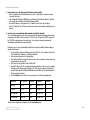
10. Connect the AC power adapter to the Router's Power port and the other end into an electrical outlet. Only use
the power adapter supplied with the Router. Use of a different adapter may result in product damage.
IMPORTANT: Make sure you use the power
adapter that is supplied with the Router. Use of a
different power adapter could damage the Router.
Figure 4-7: Connecting the Power
Now that the hardware installation is complete, proceed to “Chapter 5: Setting up the Wireless-G
Broadband Router,” for directions on how to configure the Router.
Chapter 4: Connecting the Wireless-G Broadband Router
Hardware Installation for Connection to Another Router
11