1
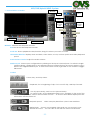
NVR/DVR/Hybrid NDVR System
Appendix B – PDA / Smart Phone Client
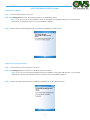
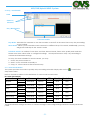
PDA / SP (Smart Phone) Client are only applied for devices with Windows Mobile 5.0 platform or above. See
the sections below to find how to install and execute PDA / SP Client.
Note:
1. The different between Smart Phone and PDA Client is navigation of operation, user can only control client
with phone buttons.
2. The resolution of PDA / SP Client is limited in 240*320 (QVGA).
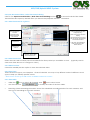
1.1 Install PDA / Smart Phone Client
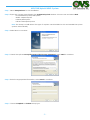
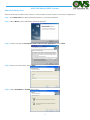
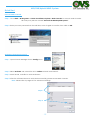
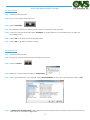
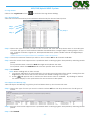
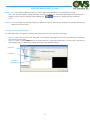
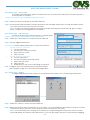
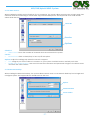
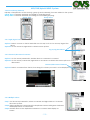
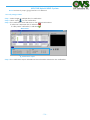
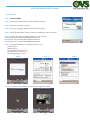
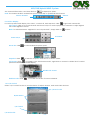
Step 1: Connect mobile device to the PC.
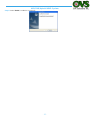
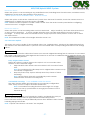
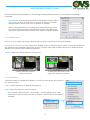
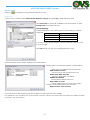
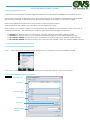
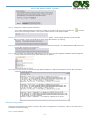
Step 2: Insert the installation CD and click on PDA Client Installation / Smart Phone Client Installation to install
application in device.
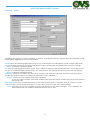
Note: If you do not have Microsoft® ActiveSync installed, a message will appear “Cannot find
ActiveSync. Please reinstall ActiveSync and then run this installation again.”
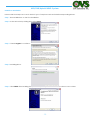
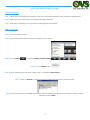
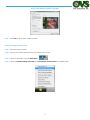
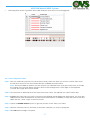
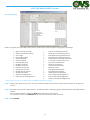
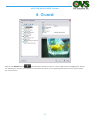
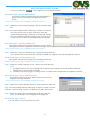
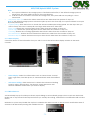
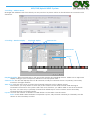
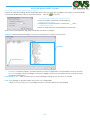
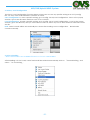
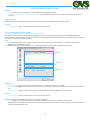
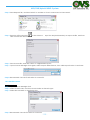
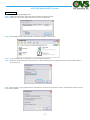
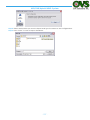
Step 3: Check the client application is installed completely in the mobile device.
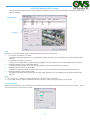
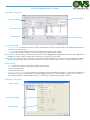
1.2 Execute PDA / Smart Phone Client
1.2.1 Main Console setting
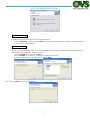
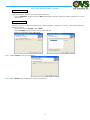
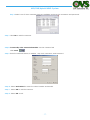
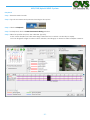
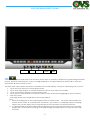
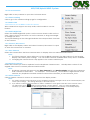
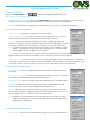
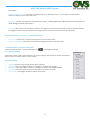
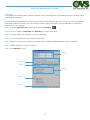
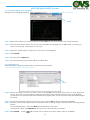
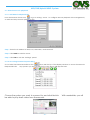
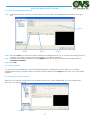
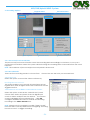
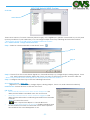
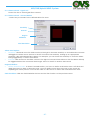
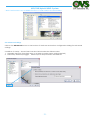
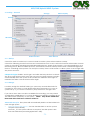
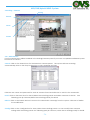
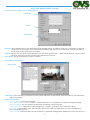
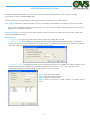
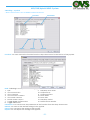
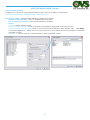
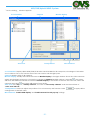
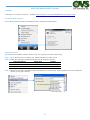
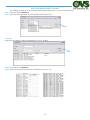
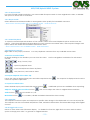
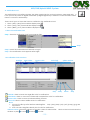
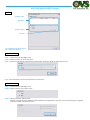
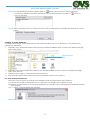
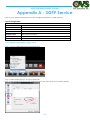
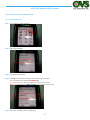
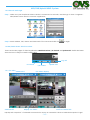
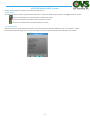
Step 1: Go to Config and select Network Service
Network Service
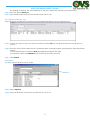
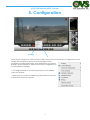
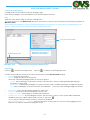
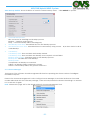
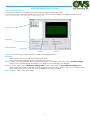
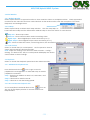
Step 2: Select “Live Streaming”, and then click “Start”.
Note: The “Port” selected here will be the same with the one in PDA/Smart Phone.
Live Streaming
Start
Port
- 142 -