1
3.8 Setting the System OFF
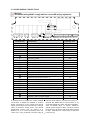
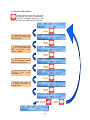
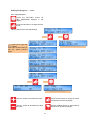
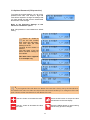
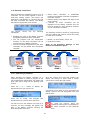
Press the SETTING button till
SET SYSTEM OFF? appears in the
display.
Press the OK button to change this user
mode.
Value to alter/confirm will start flashing.
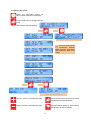
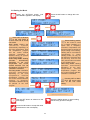
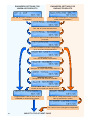
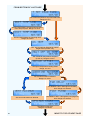
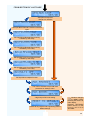
SET SYSTEM OFF?
OK =yes SET =next
press
SYSTEM OFF
UNDO = reset
press
or
Menu End
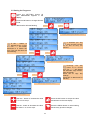
OK =yes SET =redo
press
or
SET CLOCK?
OK =yes SET =next
Th 09 : 32
AUTO
ON
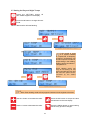
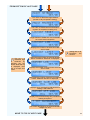
Repeats User settings.
follow CLOCK menu
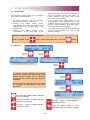
Press UNDO at any
time
to
cancel
SYSTEM OFF. System will
revert to original control.
Th 09 : 32
AUTO
ON
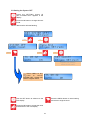
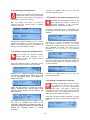
Use the SET button to advance to the
next display.
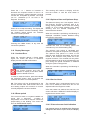
Press the UNDO button to cancel setting
and revert to original contol.
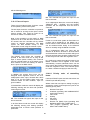
Press the OK button to accept the value
and advance to the next display.
16