1
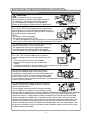
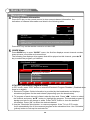
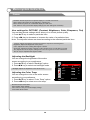
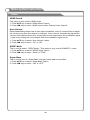
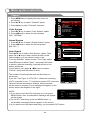
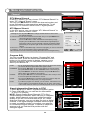
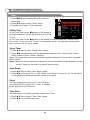
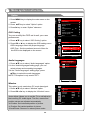
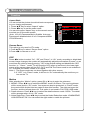
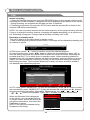
Menu system instruction 1. Press MENU key to display the main menu on the screen. 2. Press p/q key to select "Time" option. 3. Press u key to enter "Time" submenu. Off/On Time TIME Time Off Time Off On Time Sleep Timer Auto Sleep Off Off Off Clock 01/Jan 10:02 Time Zone VIC In "Off Time" item, press /button or OK button to enter the submenu, set the day & time to turn off the Menu:Exit Select TV set. In "On Time" item, press /button or OK button to enter the submenu, set the time to turn on the TV set, when the TV set is in the standby mode. You can also choose which day to control your TV set in a week. Sleep Timer 1. Press p/q key to select "Sleep Timer" option. 2. Press t/u key repeatedly until the desired time appears (Off, 10min, 20min, 30min, 60min, 90min, 120min, 180min, 240min). Notes: The sleep timer you have set will be cancelled when the TV turns off or if a power failure occurs. Notes: When the time is less than 60 seconds, remind information will be displayed on the screen. Press any key button to cancel timer function. Auto Sleep 1. Press p/q key to select "Auto Sleep" option. 2. Press t/u key to set it "On" or "Off". When “Auto Sleep” is turned on, the TV set will be in the standby mode10minutes later if there is no signal. Clock You can modify the time of your TV set, but when you switch to DTV program, the "Clock" is decided by the signal from your antenna. Time Zone You can choose it to modify your time zone in the TV set. 1. Press p/q key to select "Time Zone" option. 2. Press t/u key to select time zone. 33