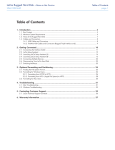
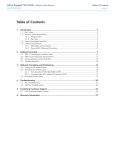
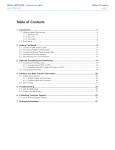
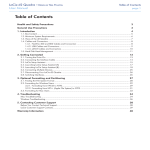
1
LaCie Rugged Hard Disk • Design by Neil Poulton
User Manual
2.Getting Connected
Installing the LaCie hard disk is easy for all users, regardless of operating system, thanks to LaCie Setup Assistant. Install your LaCie hard
disk in two easy steps:
Step
Page
1.1. Connecting the Interface Cable
11
1.2. Launching LaCie Setup Assistant: Run LaCie Setup Assistant to format your drive for optimal performance with your system
12
IMPORTANT INFO: Do not connect more than one interface
cable at a time. To switch interfaces, follow the steps in section 8.3.
Switching Interfaces.
IMPORTANT INFO: Please follow the setup steps in the order they
are given to ensure that the LaCie hard disk volume mounts correctly
on your computer.
Getting Connected
page 10