1
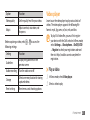
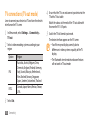
Option
Function
Video player
Video quality
Set the quality level for your videos.
Adjust
Adjust contrast, saturation, and
sharpness.
Learn to use the video player to play various kinds of
videos. The video player supports the following file
formats: mp4, 3gp, wmv, asf, avi, mkv, and divx.
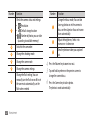
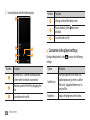
Before capturing a video, select
following settings:
Setting
Guidelines
→
to access the
Function
Display the guidelines on the
preview screen.
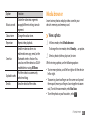
Audio recording
Turn the audio on or off.
Storage
Select a memory location for storing
captured videos.
Reset settings
Reset menus and shooting options.
To play DivX video files, you must first register
your device with the DivX website. In Menu mode,
select Settings → About phone → DivX(R) VOD
→ Register to check your registration code and
then visit http://vod.divx.com to complete the
registration.
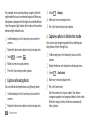
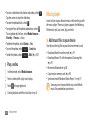
›› Play a video
1 In Menu mode, select Video player.
2 Select a video to play.
Entertainment
61