1
ESV16 User’s Manual 193
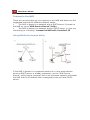
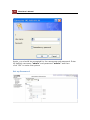
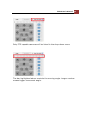
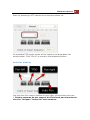
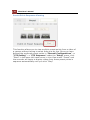
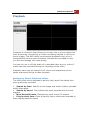
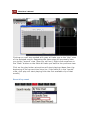
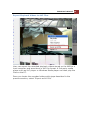
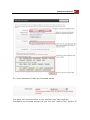
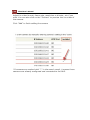
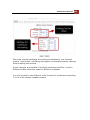
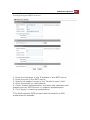
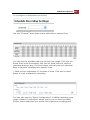
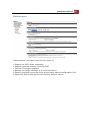
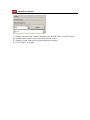
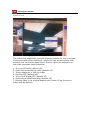
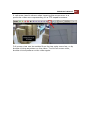
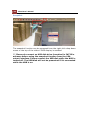
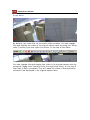
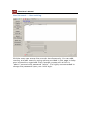
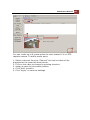
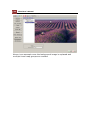
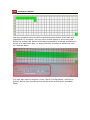
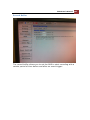
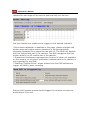
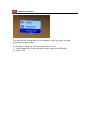
You can create up to 8 preset points for each channel if it's a PTZcapable camera. To add a preset point:
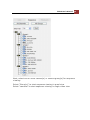
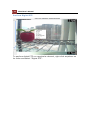
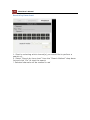
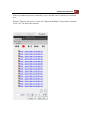
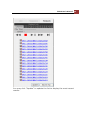
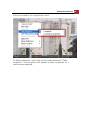
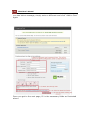
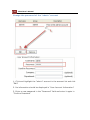
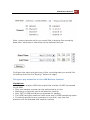
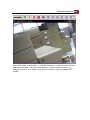
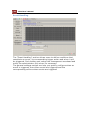
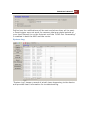
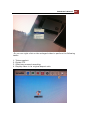
1. Select a channel from the "Channel" list and its video will be
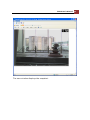
displayed at the lower-left hand corner.
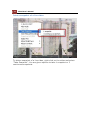
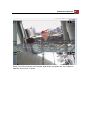
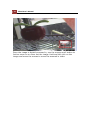
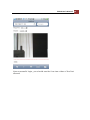
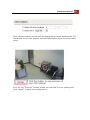
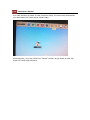
2. Click on the video to change its pointing direction.
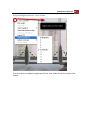
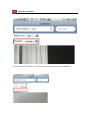
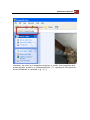
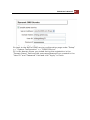
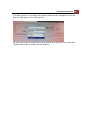
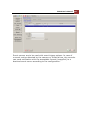
3. Assign a name to this preset position.
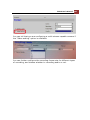
4. Click "Add" to add it.
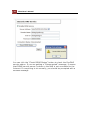
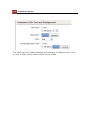
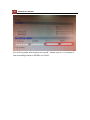
5. Click "Apply" to save the settings.