1
Getting Started with ACE Clearing
Login
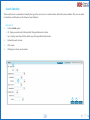
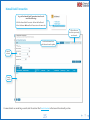
Entering the URL for the ACE Clearing and Settlement system in the browser window (Internet Explorer version 7 or later is recommended)
will take the user to the login interface.
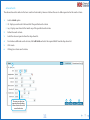
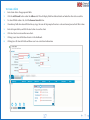
1. Enter the Username - The user id assigned to the user by the system
2. Enter the Password - The password is set by the user and permits only that particular user to use the system under the entered
Username.
3. Click the Login Button - This will enable the user to successfully login to the system.
1
3
6
2
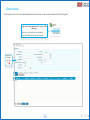
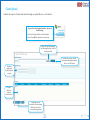
Verifies the user
input, and on successful
validation of the Username
& corresponding Password,
grants access to the startup
window.