1
Set units
This button may only be available if all menu options are shown. To show all
menu options, tap Show ALL menu options in the Preferences menu.
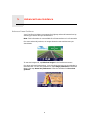
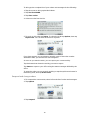
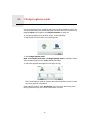
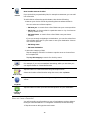
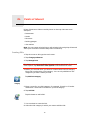
Tap this button to set the type of units that will be shown for the following:
• Distance
Set units
• Time
• Latitude and longitude
• Temperature
• Air pressure
Operate left-handed / Operate right-handed
This button may only be available if all menu options are shown. To show all
menu options, tap Show ALL menu options in the Preferences menu.
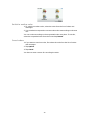
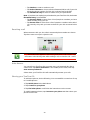
Operate lefthanded
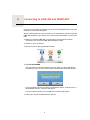
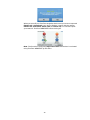
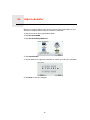
Tap this button to move important buttons, for example, the Done and
Cancel buttons as well as the zoom bar, to the left hand side of the screen.
This makes it easier to tap the buttons with your left hand without blocking
the screen.
To move the buttons back to the right hand side of the screen, tap Operate
right-handed.
Keyboard preferences
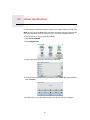
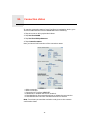
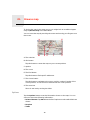
You use the keyboard to enter your destination or to find an item in a list,
such as a POI.
Keyboard
preferences
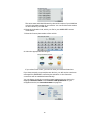
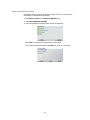
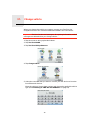
Tap this button to select the size of the keys on the keyboard and the
keyboard layout. You can select from two sizes:
• Large keyboard
• Small keyboard
Three keyboard layouts are available:
• ABCD keyboard
• QWERTY keyboard
• AZERTY keyboard
69