1
P2000 Web Access
System Administration
24-10685-165 Rev. –
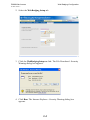
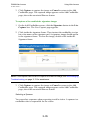
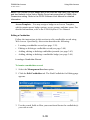
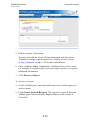
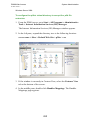
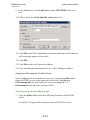
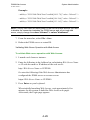
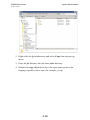
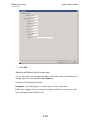
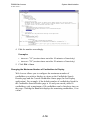
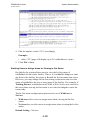
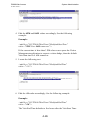
4. Edit the number (value="81") accordingly.
Example:
• value="25" (page will display up to 25 cardholders at a time)
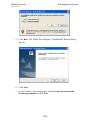
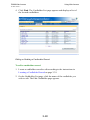
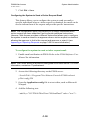
5. Click File > Save.
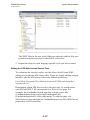
Enabling Users to Assign Areas for Viewing In-Out Status
By default, the system allows users to view the In-Out status of
cardholders for the entire facility. That is, if a cardholder badges to enter
any door in the facility, her status is In until the In-Out status time resets.
However, you may change the In-Out setting so that users can view the
status of cardholders for one or more areas of the facility. For example, if
Training Room is a defined area in P2000, a Web Access user can select
this area when viewing In-Out status to see who has badged to enter the
room today.
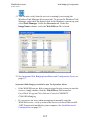
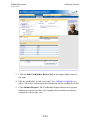
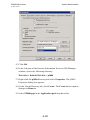
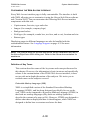
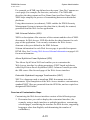
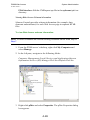
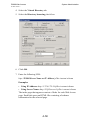
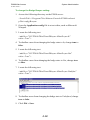
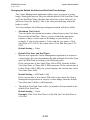
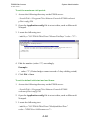
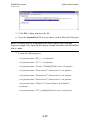
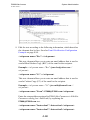
The In-Out status configuration option can be set to WithArea or
NoArea.
•
WithArea allows users to assign areas when viewing the In-Out
status.
•
NoArea does not allow users to assign areas when viewing the In-Out
status.
Default Setting = NoArea
4-60