1
@MESH AP User Manual
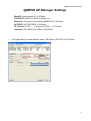
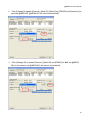
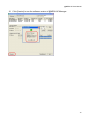
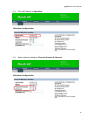
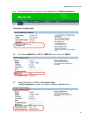
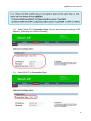
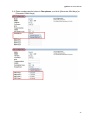
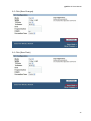
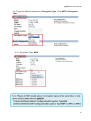
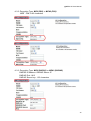
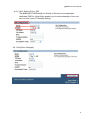
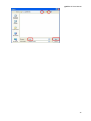
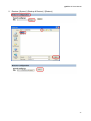
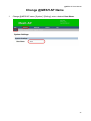
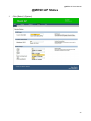
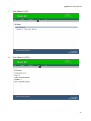
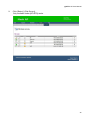
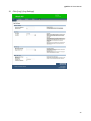
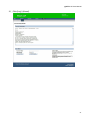
2. Click [Change] to update [Channel], [Mesh ID], [Mesh Key], [ESSID] and [Operation] for
selected @MESH AP. @MESH AP will reboot automatically.
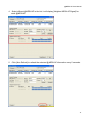
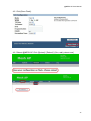
3. Click [Change All] to update [Channel], [Mesh ID] and [ESSID] for ALL the @MESH
APs in the network, all @MESH APs will reboot automatically.
10