1
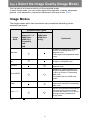
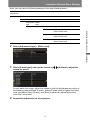
Step 6 Select the Image Quality (Image Mode)
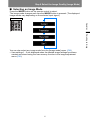
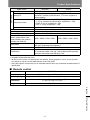
■ Selecting an Image Mode
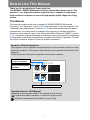
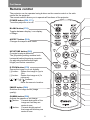
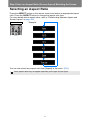
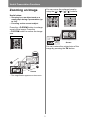
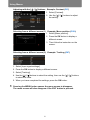
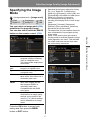
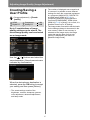
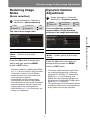
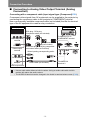
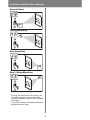
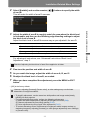
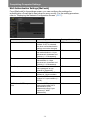
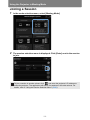
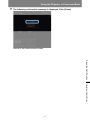
Press the IMAGE button on the remote control to select.
The image mode changes each time the IMAGE button is pressed. (The displayed
image modes vary depending on the selected input signal.)
Remote control
Operation
Projecting an Image
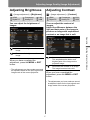
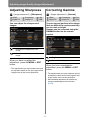
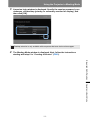
You can also select any image mode from the [Image mode] menu. (P95)
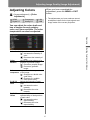
• User settings 1 - 5 are displayed when the desired image settings have been
created and stored using the user memory function in the image adjustment
menu (P96).
69