1
User Manual
goTNA 1.0
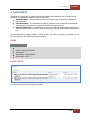
4. SYSTEM NAVIGATION
EMPLOYEE ACCESS MODE
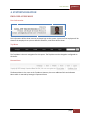
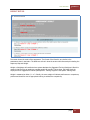
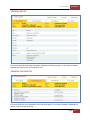
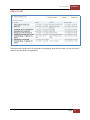
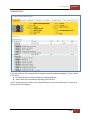
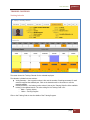
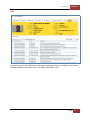
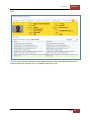
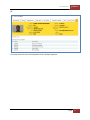
User Information
This information will be shown once an employee login to the system. A picture of the employee will be
shown if the employee has a picture defined. Otherwise, a No Photo will be shown.
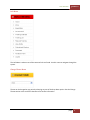
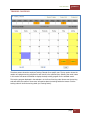
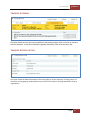
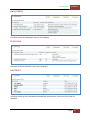
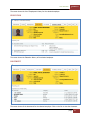
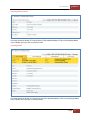
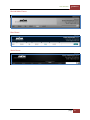
Top Menu
The Top Menu is the main navigation for this system. The Top Menu can be changed or configured via
HR Access.
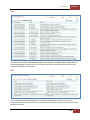
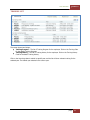
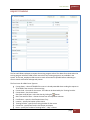
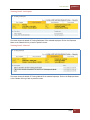
Bottom Menu
The Bottom Menu is the same as the Top Menu. However, there are additional links at the Bottom
Menu which is reserved by Strategic Corporate Alliance.
| Page
7