1
15
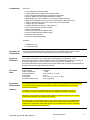
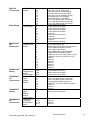
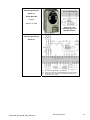
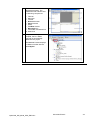
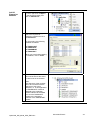
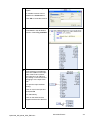
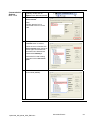
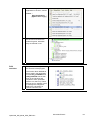
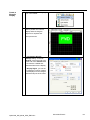
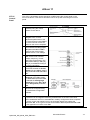
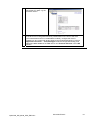
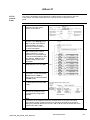
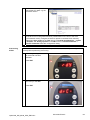
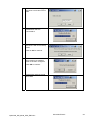
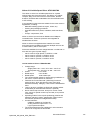
You are notified about the
wiring differences between the
three position interfaces.
Click OK to continue.
16
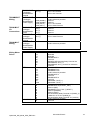
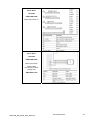
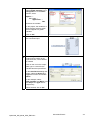
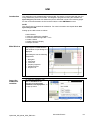
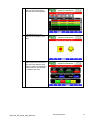
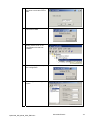
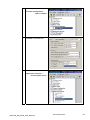
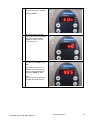
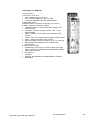
Select ElectronicGear in the
IOdefaultMode list box.
17
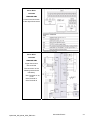
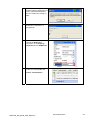
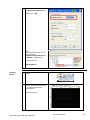
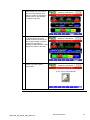
Select:
Simply start →
In Pulse control
18
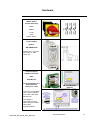
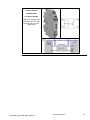
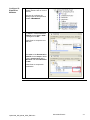
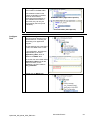
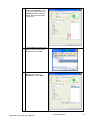
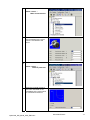
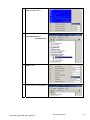
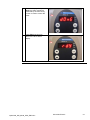
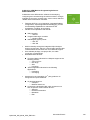
Select 200 in the GEARratio
list box.
19
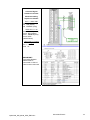
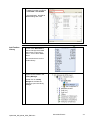
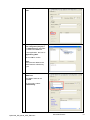
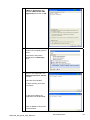
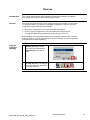
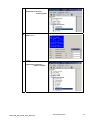
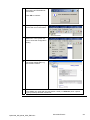
Use the Save to EEPROM
option in the Configuration
menu or the equivalent icon in
the tool bar to save the
current configuration in the
EEPROM of the drive.
20
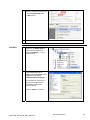
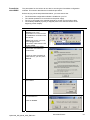
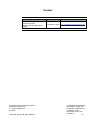
You are notified that saving to
EEPROM is about to begin.
Click OK to continue.
Optimized_HW_M238_SUG_ENG.doc
Schneider Electric
97