1
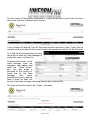
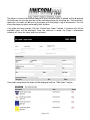
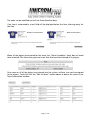
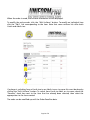
The first step as a Club Uniform Coordinator is to enter all the teams in your club. To enter a
New Team, click the “Add New Team” button.
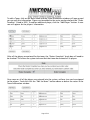
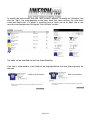
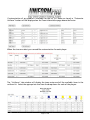
A new window will pop up. You will then need to enter the team’s name. If your club has
multiple uniform kits you will then need to select the appropriate uniform kit for that team.
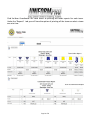
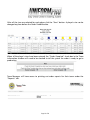
As a Club Uniform Coordinator, you have
the ability to allow the Team Manager to
access their team’s Uniform Pro.
To grant online access to the
Team Manager, enter the
manager’s email address and
check the “Online Access”
box. You may assign a
password or the system will
create one for the Team
Manager.
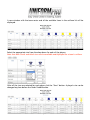
Once
you’ve
granted online access and the
team is saved, an email will
be sent to the team manager informing them of log in information.
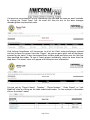
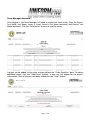
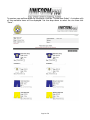
The Team will now be listed in the “Teams” tab screen
Page 3 of 22