1
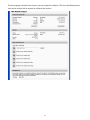
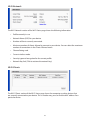
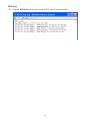
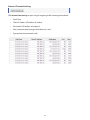
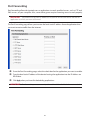
MAC Filter MAC filtering allows you to limit access to your device to only those devices with a specified MAC address (a unique code assigned to hardware such as network adapters). The MAC Filter page allows you to enable or disable MAC filtering and to add or delete MAC addresses from the trusted client list. IMPORTANT Do not enable MAC filtering unless you have added your own MAC address to the trusted client list. Otherwise you will be unable to access your device. Finding the MAC Address The MAC Address is also known as a hardware or physical address for a device, usually a network adapter. It consists of six pairs of numbers and letters (for example, 00-21-9B-1C-64-34). You can view the MAC address for any device connected to your device in the Wi-Fi Clients section of the Wi-Fi Status page. See Wi-Fi Clients on page 33. •• On a Windows PC, you can find the MAC address by typing ipconfig /all in the Command Prompt window. The MAC address is referred to as the Physical Address. (Select Start > All Programs (or Programs) > Accessories > Command Prompt to open the Command Prompt window.) •• On a Mac computer, click the Apple () icon > System Preferences > Network. Select AirPort, then click the Advanced button. The Airport ID is the MAC address. IMPORTANT Make sure you get the MAC address for the wireless network adapter and not the Ethernet controller (NIC) if the computer has both. 31