1
Home screen & apps
Home screen & apps
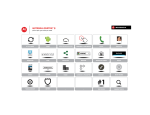
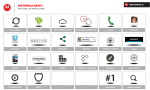
Quick start: Home screen & apps
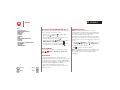
Redecorate your home
Help
Search
Status & notifications
Download apps
Take Care of your apps
Update your smartphone
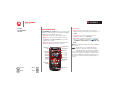
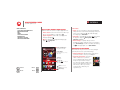
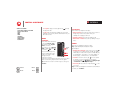
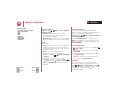
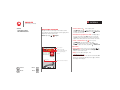
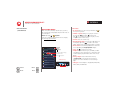
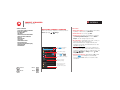
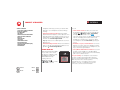
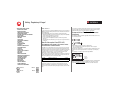
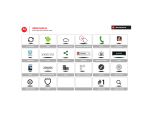
• Add widgets &
APPS
WIDGETS
shortcuts: Tap Apps ,
Favorites
ADD/REMOVE
tap and hold the app or
widget, then drag it to
one of your home screen Calculator Calendar Chrome
Help
pages. To see all your
apps and widgets, swipe the app screen to the left, or
tap APPS or WIDGETS at the top. To see your Favorites
tap
, then tap ADD/REMOVE to edit your favorite
apps.
Tip: Some apps include special widgets. To download
Play Store.
apps, tap Apps
>
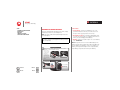
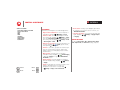
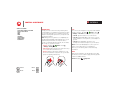
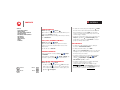
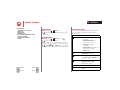
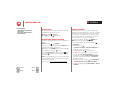
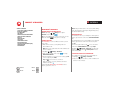
• Resize widgets: You can resize some widgets—tap
and hold a widget until you feel a vibration, then
release. Drag the blue diamonds at the edges to
resize.
• Move or delete widgets & shortcuts: Tap and hold a
widget or shortcut until you feel a vibration, then drag
it to another spot, another page, or Remove at the top
of the screen.
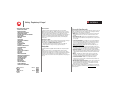
• Add, rearrange, or delete pages: To show other
pages of shortcuts and widgets, swipe the home
screen left.
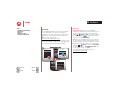
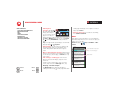
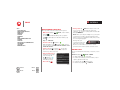
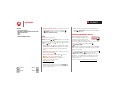
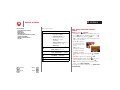
To add, reorder, or delete pages, from your home
screen, swipe left to show Add a page. Then, tap
Blank page or Start with a template.
Menu
More
Back
Next
Tap Manage pages, then tap and hold a page to
rearrange or remove. Tap
to add, or tap and hold an
existing page and drag it to left or right to reorder, or
drag it up to Remove.
• Ringtones and more: For more about customizing,
see “Control & customize”.
Help
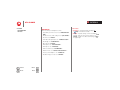
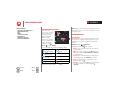
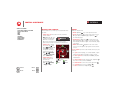
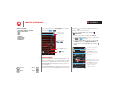
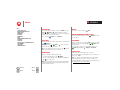
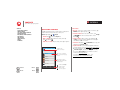
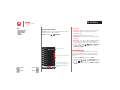
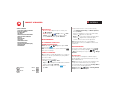
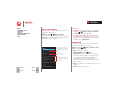
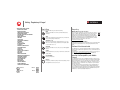
Help guides you through features on your smartphone,
and makes things easy for you. To choose the quest you
want to go on, just tap it.
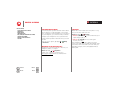
Find it: Tap Apps
>
Help > TUTORIALS or HELP
TOPICS
Help
TUTORIALS
HELP TOPICS
What’s new
Select tutorials or help topics.
Tap to close this category.
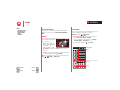
Explain how to use Google Now
to get info such as weather and
traffic when you need it.
Show me how I can ask Google
questions using Voice Search.
Show me the improvements to
my Notifications and how to
manage them.
General
Show me how to use my
touchscreen.
Show me how to turn my
screen on and off.
Tap to watch.