1
TEW-800MB
TRENDnet User’s Guide
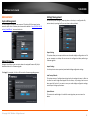
Link Status
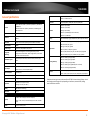
The Status page shows the settings and current operation status of the Station.
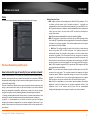
QoS, Quality of Service
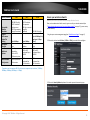
Site Survey
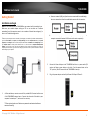
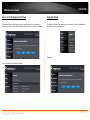
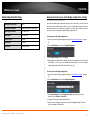
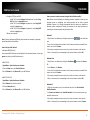
Use the Site Survey tool to search for wireless networks around the TEW-800MB bridge.
Click on the Scan button to search for wireless network to join.
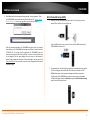
Click Refresh to search for the wireless networks around; then select the wireless
network in your choice; then click Connect.
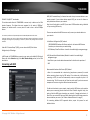
WMM Support Enable / Disable
WMM® Quality of Service (QoS) technology prioritizes gaming, Internet calls, and video
streams.
No Acknowledgement Enable / Disable
To turn off the prioritization of ACK packets
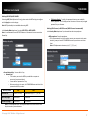
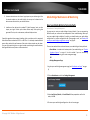
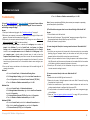
Enter the passphrase in your selected wireless network; click Connect.
© Copyright 2013 TRENDnet. All Rights Reserved.
13