1
Encoding payments
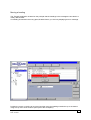
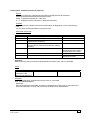
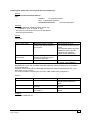
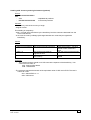
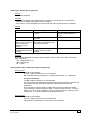
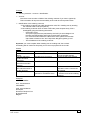
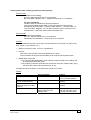
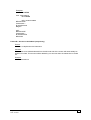
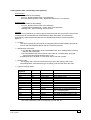
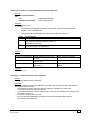
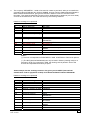
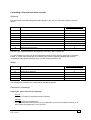
Encoding a payment message
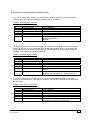
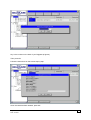
The 'Belgolaise' account to be debited to make the payment has to be selected before any messages
can be encoded using this module.
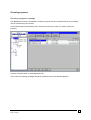
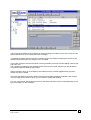
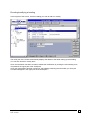
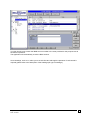
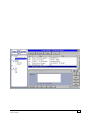
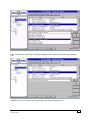
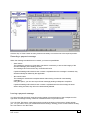
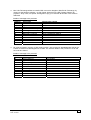
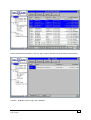
In the left-hand part of the B-Web screen, select the account from which you wish to make your
payment.
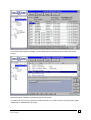
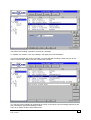
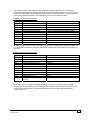
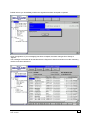
Click the 'Transfer' button in the B-Web menu bar.
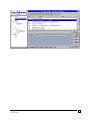
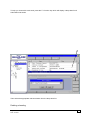
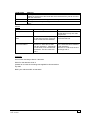
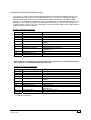
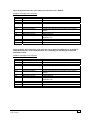
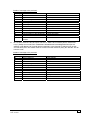
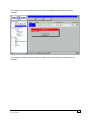
The screen summarising messages already encoded for the account selected appears.
Belgolaise : Bankers' User Manual
Date: 19.08.02
3