1
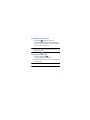
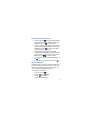
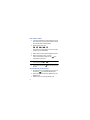
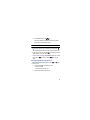
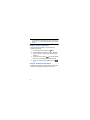
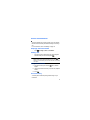
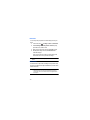
Record Audio Settings To configure the maximum length for a recording: 1. In Idle mode, select Settings Applications Settings Record Audio Settings. 2. 3. Select one of the following options: • Output format: allows you to set the format of saved audio files (amr or mp3) • Save output to: lets you choose the default storage location for recorded audio files (Phone or Memory Card). • Unlimited recording: turn on or off. Press Save. Calendar Settings To configure the starting day and view used when opening the Calendar application: 1. In Idle mode, select Settings Applications Settings Calendar Settings. 2. 3. Press either of the following fields and edit the information: • Starting Day: allows you choose which day marks the first day in your calendar week (Sunday or Monday). • View By: allows you to choose the default view for appointments used by the Calendar application when launched (Month, Week, or Day). Press to save. 141