WINDOWS XP Setup
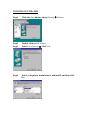
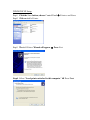
Step1. Click the Start button; choose Control Panel
Printers and Faxes
Step2. Click on Add a Printer
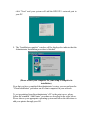
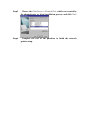
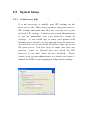
Step3. The Add Printer Wizard will appear
Press Next.
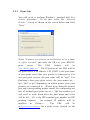
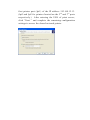
Step4. Select “Local printer attached to this computer”
Press Next.