1
High-performance Embedded Workshop
15. Macro-Recording Support Facility
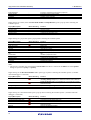
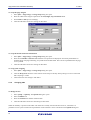
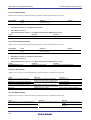
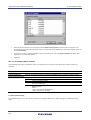
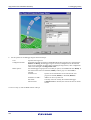
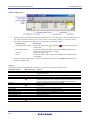
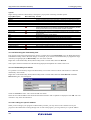
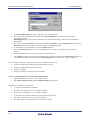
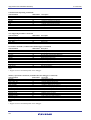
15.5.2.17 Trace conditions dialog box
While a macro is being recorded, the following operation will be recorded into a macro file.
Target
Apply button
Operation
Click on the button
Function
Changes the trace conditions.
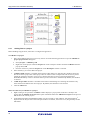
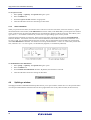
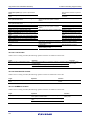
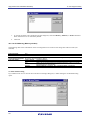
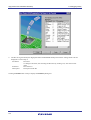
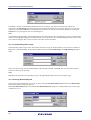
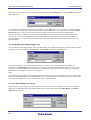
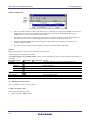
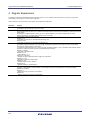
15.5.2.18 Violation of access protection dialog box
While a macro is being recorded, the following operation will be recorded into a macro file.
Target
OK button
Operation
Click on the button
Function
Sets the access violation area.
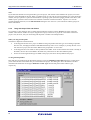
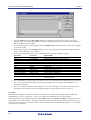
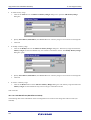
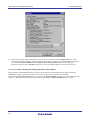
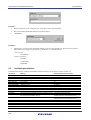
15.5.2.19 Uninitialized area detection dialog box
While a macro is being recorded, the following operation will be recorded into a macro file.
Target
OK button
Operation
Click on the button
Function
Sets the access violation area.
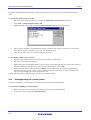
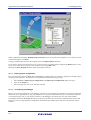
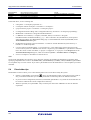
15.5.2.20 Violation of stack access dialog box
While a macro is being recorded, the following operation will be recorded into a macro file.
Target
OK button
Operation
Click on the button
Function
Sets the access violation area.
15.5.2.21 Violation of task stack access dialog box
While a macro is being recorded, the following operation will be recorded into a macro file.
Target
OK button
Operation
Click on the button
Function
Sets the access violation area.
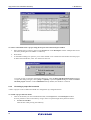
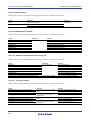
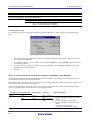
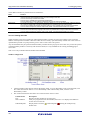
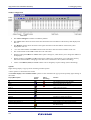
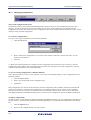
15.5.2.22 Performance Conditions dialog box
While a macro is being recorded, the following operation will be recorded into a macro file.
Target
Apply button
Operation
Click on the button
Function
Changes the performance conditions.
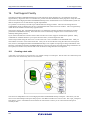
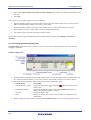
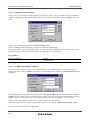
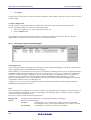
15.5.2.23 Trigger Output Conditions dialog box
While a macro is being recorded, the following operation will be recorded into a macro file.
Target
Apply button
Operation
Click on the button
REJ10J2000-0100 Rev.1.00 Jun. 16, 2009
227
Function
Changes the trigger output conditions.