1
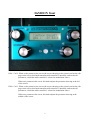
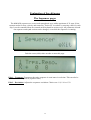
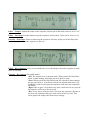
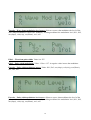
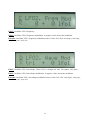
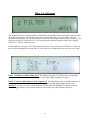
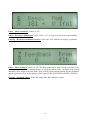
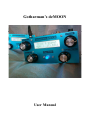
Play / Enter: This knob starts and stops the internal step sequencer. It also works as a midi note on
indicator – every time a midi note on, on the selected midi-channel, are received it
will light up.
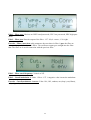
When you select a new pattern, change the controller number for the sequencer
controller track or save a pattern, it will start blinking, and you will have to push it to
confirm.
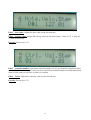
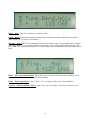
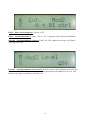
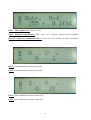
Cursor (click) value: This knob navigates around, changes pattern, and changes various switch
functions on the parameter edit screens.
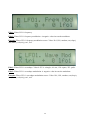
If the cursor is blinking, turning this knob will move the cursor. Pushing it will stop
the cursor from blinking, to change a value, or entering another screen.
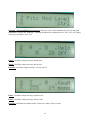
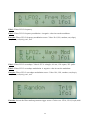
If the cursor is not blinking, turning this knob, will change the value of the parameter,
where the cusor are located. Pushing it will get the cursor blinking to move it, or it
will enter another screen.
Volume:
Changes the output volume on the stereo outputs.
7