1
smart BASIC Core Functionality
User Manual
constant string and since there are over 1000 error codes, these verbose strings can
occupy more than 10 kilobytes of flash memory.
The hex number in the response is the error result code consisting of two digits which can be
used to help investigate the problem causing the failure. Rather than provide a list of all the error
codes in this manual, you can use UWTerminal to obtain a verbose description of an error when
it is not provided on a platform.
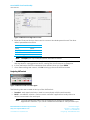
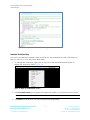
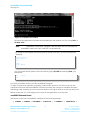
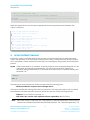
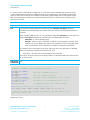
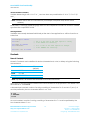
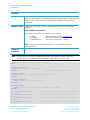
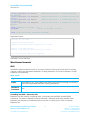
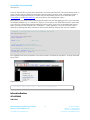
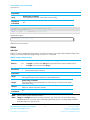
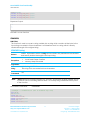
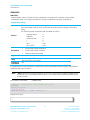
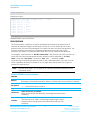
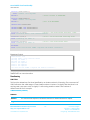
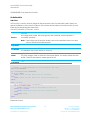
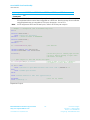
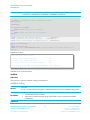
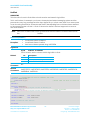
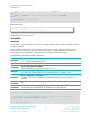
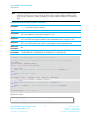
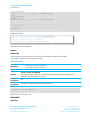
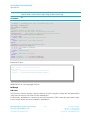
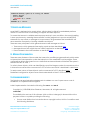
To get the verbose description, click on the BASIC tab (in UWTerminal) and, if the error value is
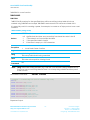
hhhh, enter the command ER 0xhhhh and note the 0x prefix to ‘hhhh’. This is illustrated in Figure
14.
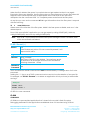
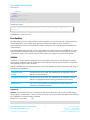
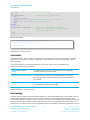
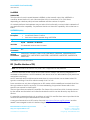
Figure 14: Optional verbose explanation
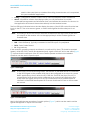
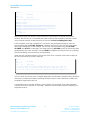
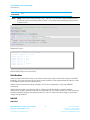
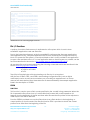
You can also obtain a verbose description of an error by highlighting the error value, rightclicking and selecting “Lookup Selected ErrorCode” in the Terminal window.
If you get the text “UNKNOWN RESULT CODE 0xHHHH”, please contact Laird for the latest version
of UWterminal.
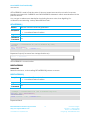
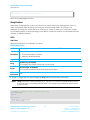
AT
AT is an Interactive mode command. It must be terminated by a carriage return for it to be
processed.
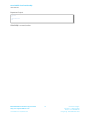
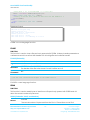
It performs no action other than to respond with “\n00\r”. It exists to emulate the behaviour of a
device which is controlled using the AT protocol. This is a good command to use to check if the
UART has been correctly configured and connected to the host.
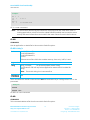
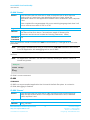
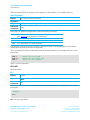
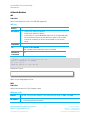
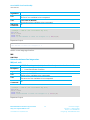
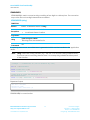
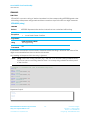
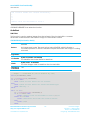
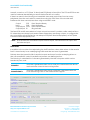
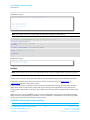
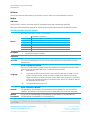
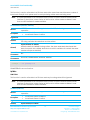
AT I or ATI
COMMAND
Provides compatibility with the AT command set of Laird’s standard Bluetooth modules.
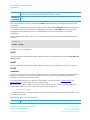
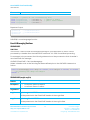
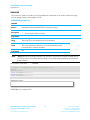
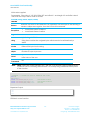
AT i num
Returns
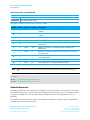
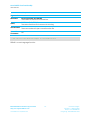
\n10\tMM\tInformation\r
\n00\r
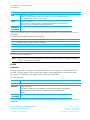
Where
\n = linefeed character 0x0A
\t = horizontal tab character 0x09
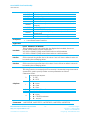
MM = a number (see below)
Information = string consisting of information requested associated with MM
Embedded Wireless Solutions Support Center:
http://ews-support.lairdtech.com
www.lairdtech.com/bluetooth
34
Laird Technologies
Americas: +1-800-492-2320
Europe: +44-1628-858-940
Hong Kong: +852-2268-6567 x026