1
Configuration: Configuring the clinical application, telemetry, and care unit settings
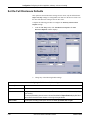
Set the Full Disclosure Defaults
This option sets the full disclosure settings. In user mode, only the full disclosure
Report and Strip settings are configurable.You must be in the Service mode to set
the other full disclosure settings at the CIC Pro center.
Complete the following procedure to configure the Telemetry Alarm Control
Defaults settings:
1.
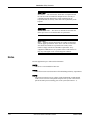
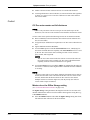
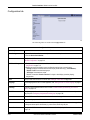
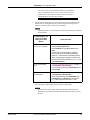
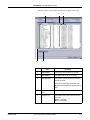
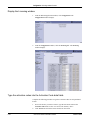
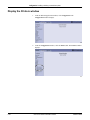
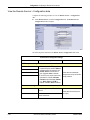
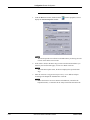
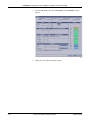
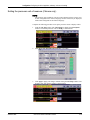
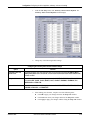
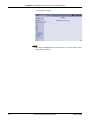
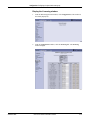
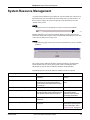
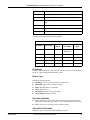
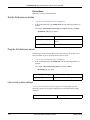
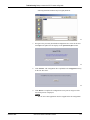
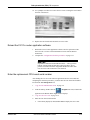
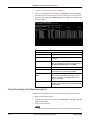
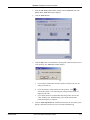
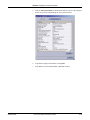
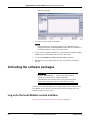
From the CIC Setup menu, click Full Disclosure Defaults. The Full
Disclosure Defaults window displays:
650A
2.
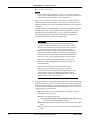
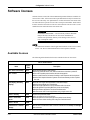
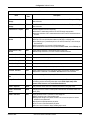
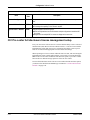
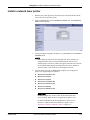
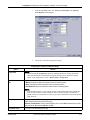
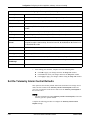
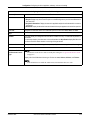
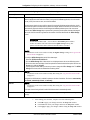
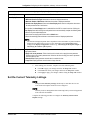
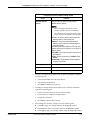
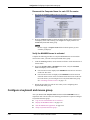
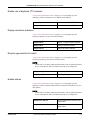
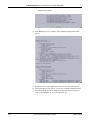
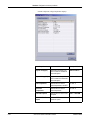
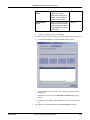
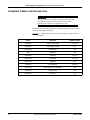
Change any of the following default settings:
Configuring the Full Disclosure Defaults settings
Option
Function
Report
Duration
Designate how much data is included in the report. The maximum report duration is 72 hours, depending
upon licensing.
To set the report duration, place the cursor on the scroll bar below the Report Duration display field. Move
the scroll bar to the left for shorter duration or to the right for longer duration.
Hole Location
Provide space for binding printed reports. Choices are: none, top, bottom, left, and right.
5-60
CIC ProTM Clinical Information Center
2026419-002F