1
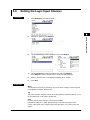
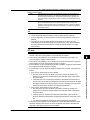
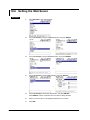
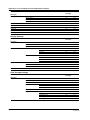
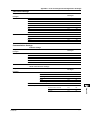
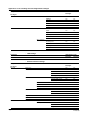
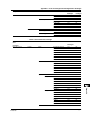
 10.6 Setting the Web Server
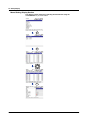
Procedure
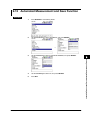
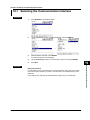
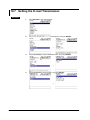
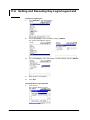
1.
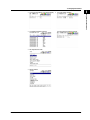
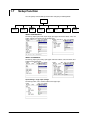
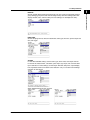
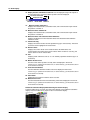
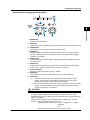
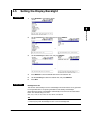
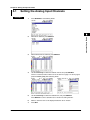
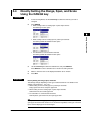
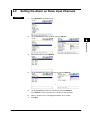
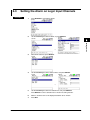
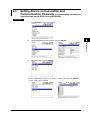
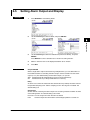
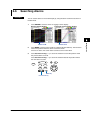
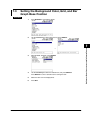
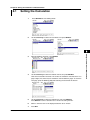
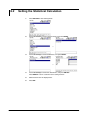
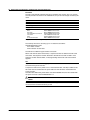
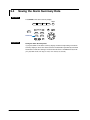
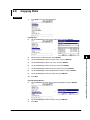
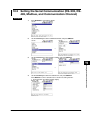
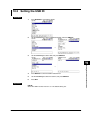
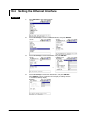
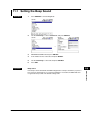
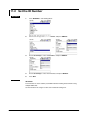
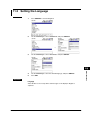
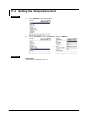
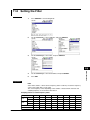
Press SETTING to enter Setting Mode.
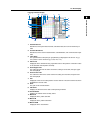
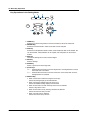
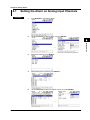
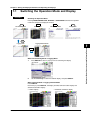
2. Use the arrow keys to select COMMUNICATION, and press SELECT.
3.
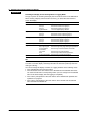
Use the arrow keys to select NETWORK FUNC., and press SELECT.
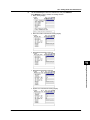
4.
→
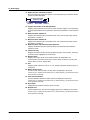
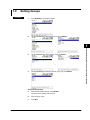
Use the arrow keys to select WEB SERVER, and press SELECT.
10-14
→
→
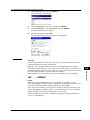
5.
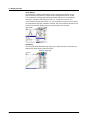
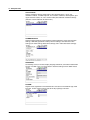
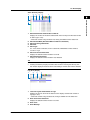
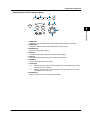
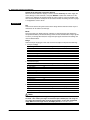
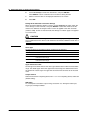
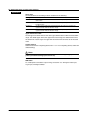
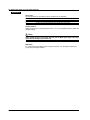
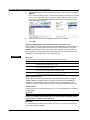
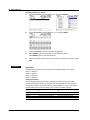
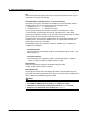
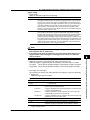
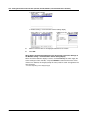
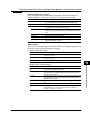
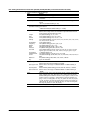
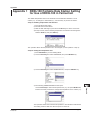
Use the arrow keys to select the desired item, and press SELECT.
Press SELECT to show a selection list or window for setting the item.
6.
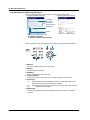
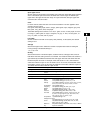
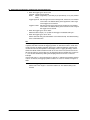
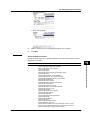
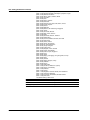
Select or enter the item on the displayed selection list or window.
7.
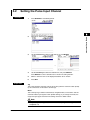
Press SET.
M-4708/1008