1
setnameserver(8)
EXTENDED
DESCRIPTION
EXAMPLES
■
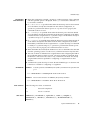
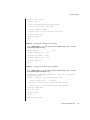
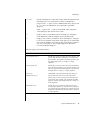
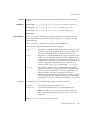
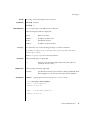
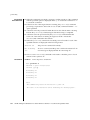
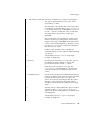
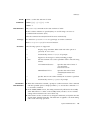
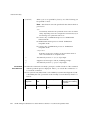
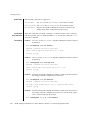
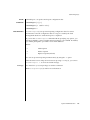
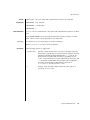
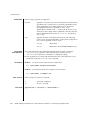
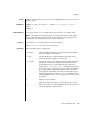
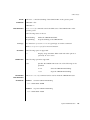
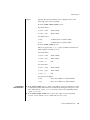
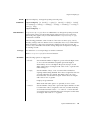
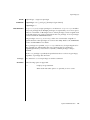
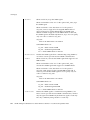
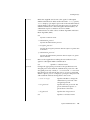
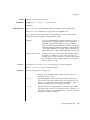
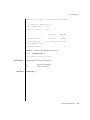
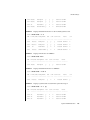
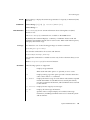
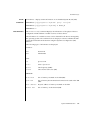
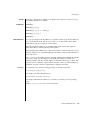
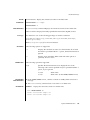
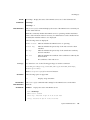
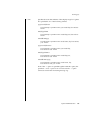
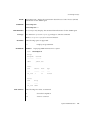
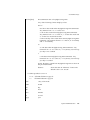
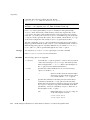
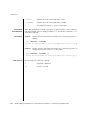
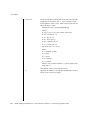
If multiple DNS servers are specified, names are solved in the order specified.
■
To reflect the DNS server name to XSCF, execute the applynetwork(8)
command. After reflected the information, use the rebootxscf(8) command to
reset XSCF to complete the setting.
■
The currently set DNS server can be checked by using the shownameserver(8)
command.
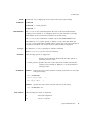
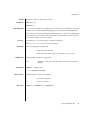
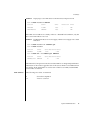
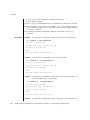
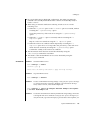
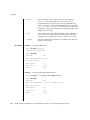
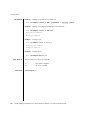
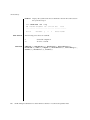
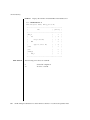
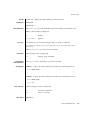
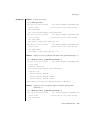
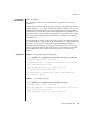
EXAMPLE 1
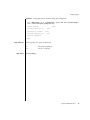
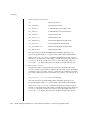
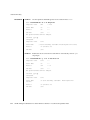
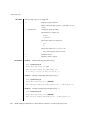
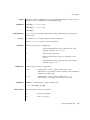
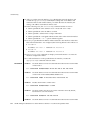
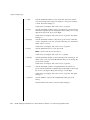
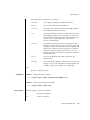
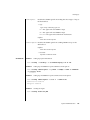
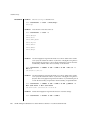
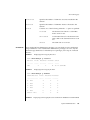
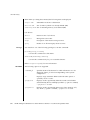
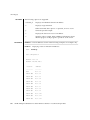
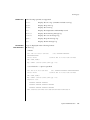
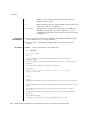
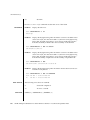
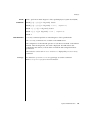
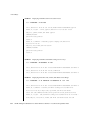
Adds the hosts with the IP addresses 192.168.1.2, 10.18.108.10, and 10.24.1.2
as DNS server. Names are solved in the order specified.
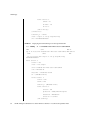
XSCF> setnameserver 192.168.1.2 10.18.108.10 10.24.1.2
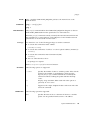
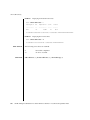
EXAMPLE 2
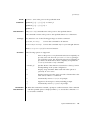
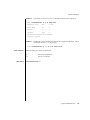
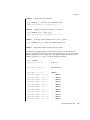
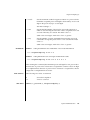
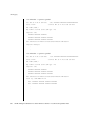
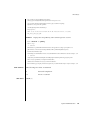
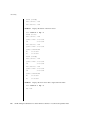
Deletes the host with the IP address 10.18.108.10 from the DNS server.
XSCF> setnameserver -c del 10.18.108.10
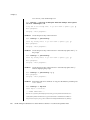
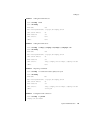
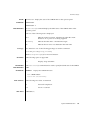
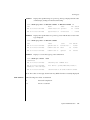
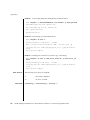
EXAMPLE 3
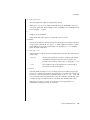
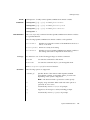
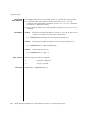
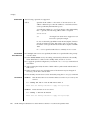
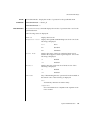
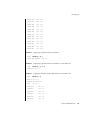
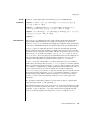
Deletes all the DNS servers.
XSCF> setnameserver -c del -a
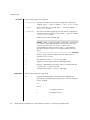
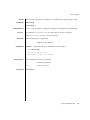
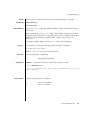
EXIT STATUS
SEE ALSO
210
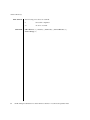
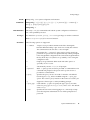
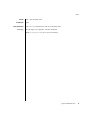
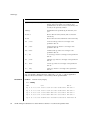
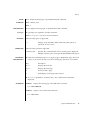
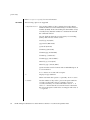
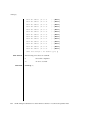
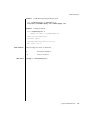
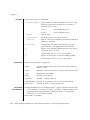
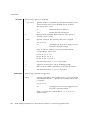
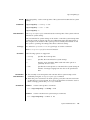
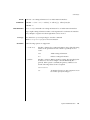
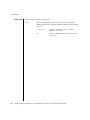
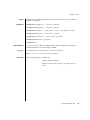
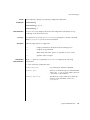
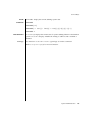
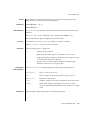
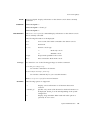
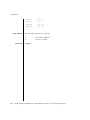
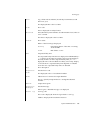
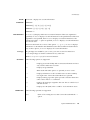
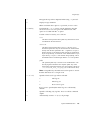
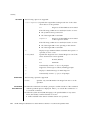
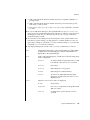
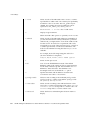
The following exit values are returned:
0
Successful completion.
>0
An error occurred.
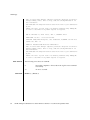
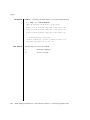
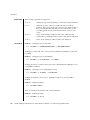
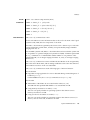
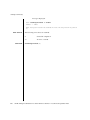
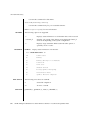
rebootxscf(8), shownameserver(8)
SPARC Enterprise Mx000 Servers XSCF Reference Manual • Last Revised June 2007