1
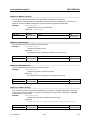
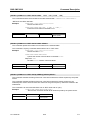
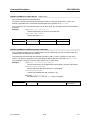
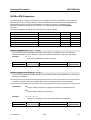
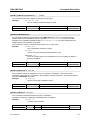
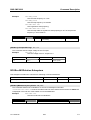
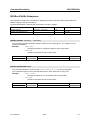
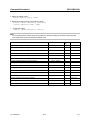
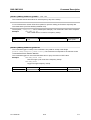
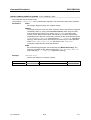
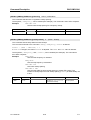
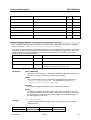
Example of Setup
R&S SMC100A
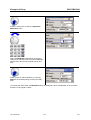
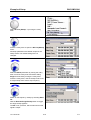
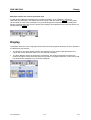
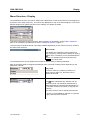
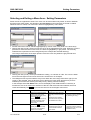
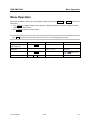
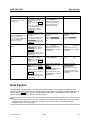
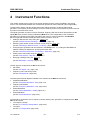
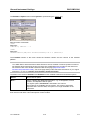
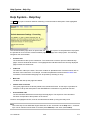
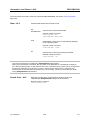
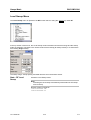
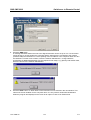
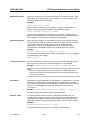
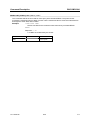
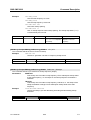
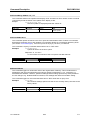
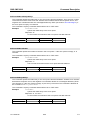
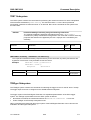
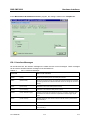
Press the rotary knob to open the Amplitude
Modulation menu.
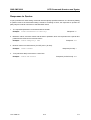
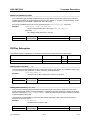
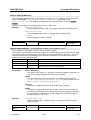
Select the AM Depth parameter by turning the
rotary knob, and then enter the desired AM depth
with the aid of the numeric keypad and the unit
keys.
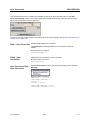
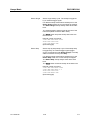
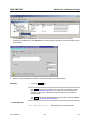
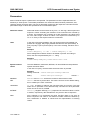
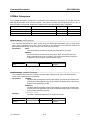
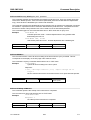
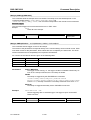
Finally, switch on AM modulation by selecting
State On and subsequently pressing the rotary
knob.
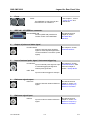
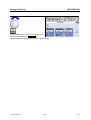
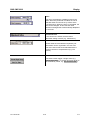
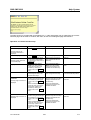
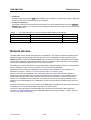
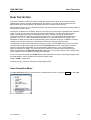
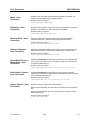
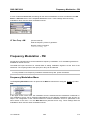
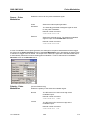
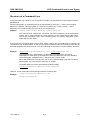
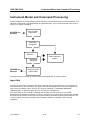
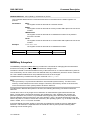
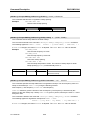
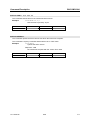
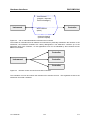
To indicate the active state, the Modulation block is displayed in blue. The RF block is not yet active,
therefore no RF signal is output.
1411.4077.62
2.6
E-1