1
44
3.
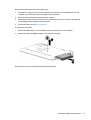
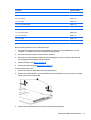
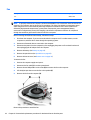
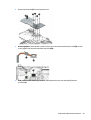
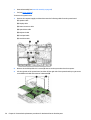
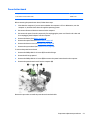
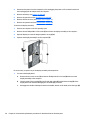
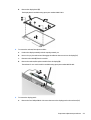
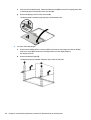
Remove the heat sink (7) from the system board.
4.
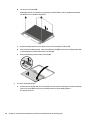
If you have a model with UMA graphics and an Intel Core processor, in the order indicated, remove the
four Phillips PM2.0×3.0 screws (1) – (4) that secure the heat sink to the system board.
5.
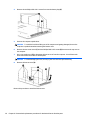
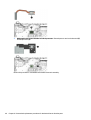
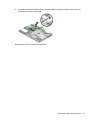
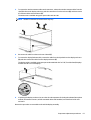
Remove the heat sink (5) from the system board.
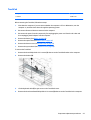
6.
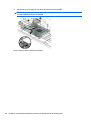
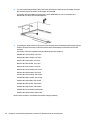
If you have a model with UMA graphics and an Intel Pentium or Celeron processor, in the order indicated,
remove the four Phillips PM2.0×3.0 screws (1) – (4) that secure the heat sink to the system board.
Chapter 6 Removal and replacement procedures for Authorized Service Provider parts