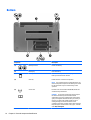
1
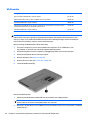
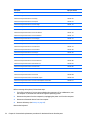
Service door
Description
Spare part number
Service door is available with the plastics kit.
732079-001
1.
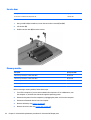
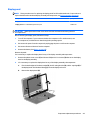
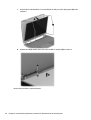
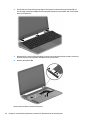
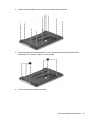
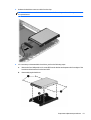
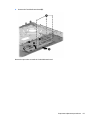
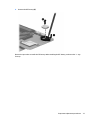
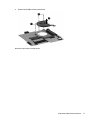
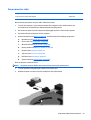
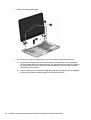
Using a small Phillips screwdriver, loosen the service door screws (1) and (2).
2.
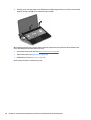
Lift the door (3).
3.
Slide the service door (4) forward to remove.
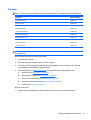
Memory module
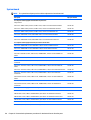
Description
Spare part number
4 GB memory module (PC3, 12800, 1600-MHz)
691740-001
2 GB memory module (PC3, 12800, 1600-MHz)
691739-001
8 GB memory module PC3L 12800 1600Mhz Shared
693374-001
8 GB memory module PC3L 12800 1600Mhz Shared
670034-001
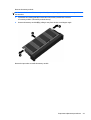
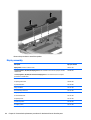
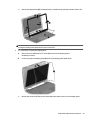
Before removing a memory module, follow these steps:
42
1.
Turn off the computer. If you are unsure whether the computer is off or in Hibernation, turn
the computer on, and then shut it down through the operating system.
2.
Disconnect the power from the computer by unplugging the power cord from the computer.
3.
Disconnect all external devices from the computer.
4.
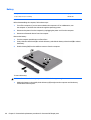
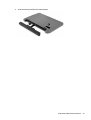
Remove the battery (see Battery on page 40).
5.
Remove the service door (see Service door on page 42).
Chapter 5 Removal and replacement procedures for Customer Self-Repair parts