1
SET-UP AND CODE DESCRIPTION (CONTINUED)
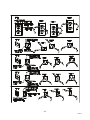
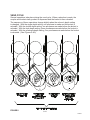
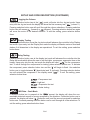
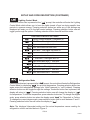
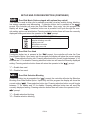
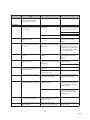
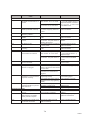
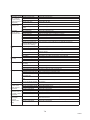
BLOCK SELECTION OPTIONS
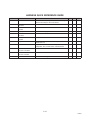
Controls blocking option
Set selection buttons – (y) assigned/(n) not assigned
Set time for machine to turn off
Set days for blocking to start
Set hours for blocking to start
Set time for machine to turn back on
Set days for blocking to stop
Set hours for blocking to stop
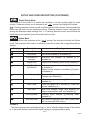
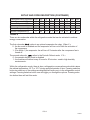
Discount Setting Mode
This feature is used to choose a group of selections that will be discounted, the amount of
discount, and the time when the discount will occur. If selection button two is pressed at
the “
” prompt, the controller will enter the Discount Setting Mode. Upon entry into this
program the display will show “
”. If selection button one is pressed it will toggle through
the discount setting mode as listed below. Pressing selection button three will save the
settings and return to the “
” mode.
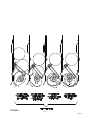
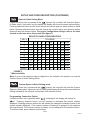
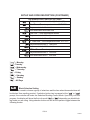
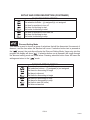
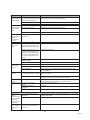
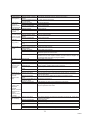
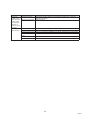
DISCOUNT SETTING OPTIONS
Turns the discount setting On/Off
Set selection buttons – (y) assigned/(n) not assigned
Set time for discounting to begin
Set days to discount
Set time for discounting to begin
Set time for discounting to stop
Set days for discounting to stop
Set time to start (24 hours)
Set discount amount
PG-13
11/2003