1
136
Maintenance Section
Oil Filter - Inspect
Nonferrous metals can indicate wear on the
aluminum parts of the engine such as main
bearings, rod bearings, or turbocharger bearings.
Small amounts of debris may be found in the filter
element. This could be caused by friction and by
normal wear. Consult your Caterpillar dealer in
order to arrange for further analysis if an excessive
amount of debris is found.
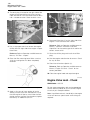
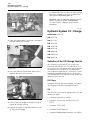
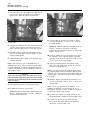
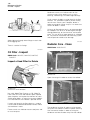
Illustration 271
g00883679
Using an oil filter element that is not recommended
by Caterpillar can result in severe engine damage
to engine bearings, to the crankshaft, and to other
parts. This can result in larger particles in unfiltered
oil. The particles could enter the lubricating system
and the particles could cause damage.
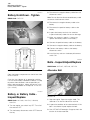
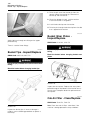
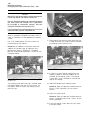
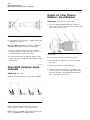
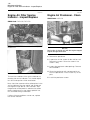
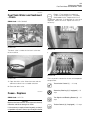
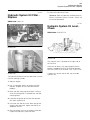
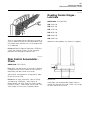
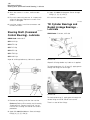
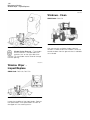
Apply lubricant through three fittings on each side
of the logging fork.
i01719323
Radiator Core - Clean
There is a total of six fittings.
SMCS Code: 1353-070-KO
i01719384
Oil Filter - Inspect
SMCS Code: 1308-507; 3004-507; 3067-507;
5068-507
Inspect a Used Filter for Debris
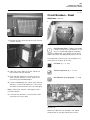
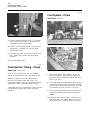
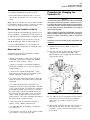
Illustration 273
g00883954
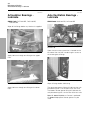
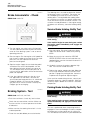
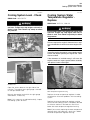
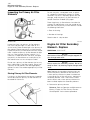
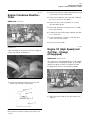
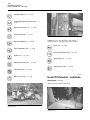
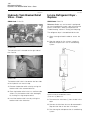
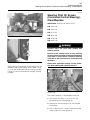
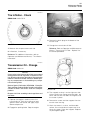
Open the rear grill in order to access the radiator.
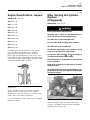
Illustration 272
g00100013
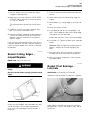
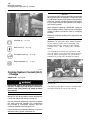
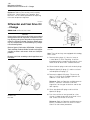
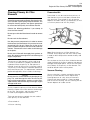
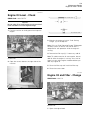
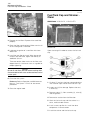
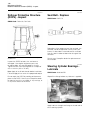
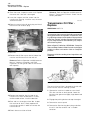
The element is shown with debris.
Use a 4C-5084 Filter Cutter or a 175-7546 Oil
Filter Cutter to cut the filter element open. Spread
apart the pleats and inspect the element for metal
and for other debris. An excessive amount of debris
in the filter element can indicate a possible failure.
If metals are found in the filter element, a magnet
can be used to differentiate between ferrous metals
and nonferrous metals.
Ferrous metals can indicate wear on steel parts and
on cast iron parts.
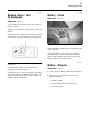
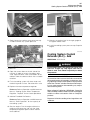
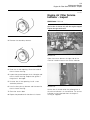
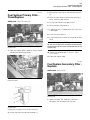
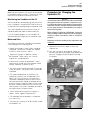
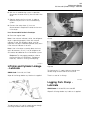
Illustration 274
g00883956
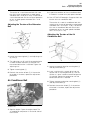
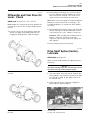
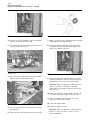
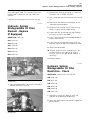
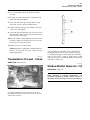
The condenser and the oil cooler may be rotated
away from the radiator in order to improve cleaning.
Use the control handles in order to swing the
condenser and the oil cooler away from the radiator.