1
Fifth Edition · Third Printing
Operator's Manual
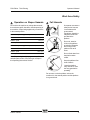
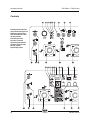
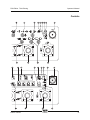
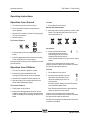
Controls
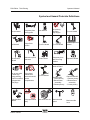
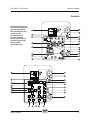
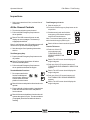
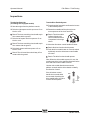
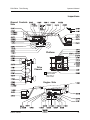
19 Platform rotate left/right buttons
12 Engine start button
Push the platform rotate left button and the
platform will rotate to the left. Push the platform
rotate right button and the platform will rotate to
the right.
Push the engine start button and the engine will
start.
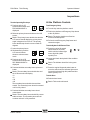
13 Engine speed select button
Push the engine speed select button to select
the engine speed. When the arrow above the
rabbit is lit, the engine is in high idle speed.
When the arrow above the turtle is lit, the engine
is in low idle speed.
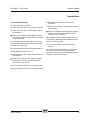
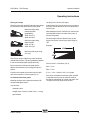
14 Platform level up/down buttons
20 High speed function enable button
Push the high speed function enable switch to
enable the functions on the ground control panel
to operate at high speed.
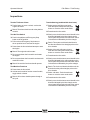
21 Primary boom down button
Push the platform level up button and the level
of the platform will raise. Push the platform level
down button and the level of the platform will
lower.
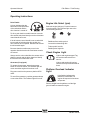
Push the primary boom down button and the
primary boom will lower.
22 Primary boom up button
Push the primary boom up button and the
primary boom will raise.
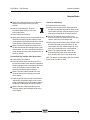
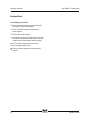
15 Jib boom up/down buttons
Push the jib boom up button and the jib boom
will raise. Push the jib boom down button and
the jib boom will lower.
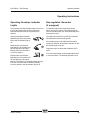
16 Primary boom extend/retract buttons
Push the primary boom extend button and the
primary boom will extend. Push the primary
boom retract button and the primary boom will
retract.
17 20A circuit breaker for system circuit
18 Alarm
Part No. 133539
Z-80/60
19