1
7
Maintaining the Dual Loop Autosampler
Maintenance Procedures and Simple Repairs
Exchanging or Installing the (Optional Interface) BCD Board
CAUTION
Frequency
At installation, when defective or for all repairs inside the Dual Loop
Autosampler
Tools required
Flat-head screwdriver
Parts required
(Optional) interface board
The interface board is sensitive to electrostatic discharge. Always use the ESD strap
when handling electronic boards.
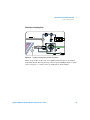
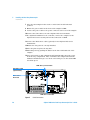
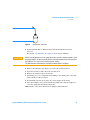
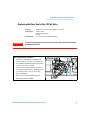
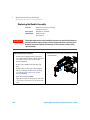
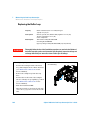
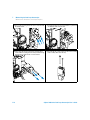
1 Switch OFF the Dual Loop Autosampler at the main power switch.
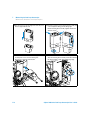
2 Disconnect cables from the interface board connectors.
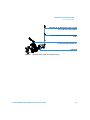
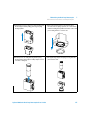
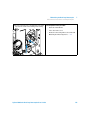
3 Loosen the screws. Slide out the interface board from the Dual Loop
Autosampler.
4 Install the interface board. Secure the screws.
5 Reconnect the cables to the board connectors
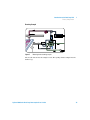
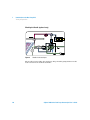
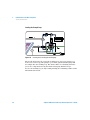
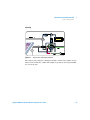
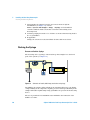
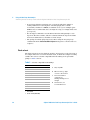
Screws
Figure 29
120
Exchanging the Interface Board
Agilent 1200 Series Dual Loop Autosampler User’s Guide