1
ELECTRICAL SYSTEM 16-29
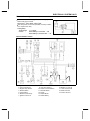
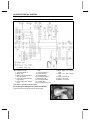
Charging System
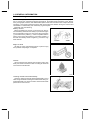
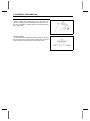
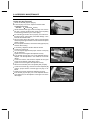
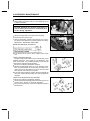
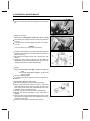
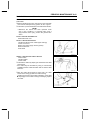
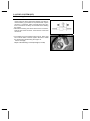
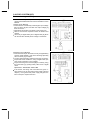
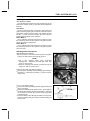
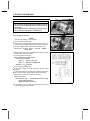
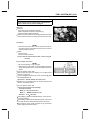
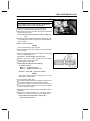
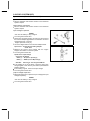
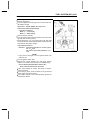
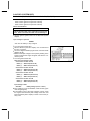
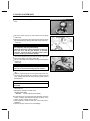
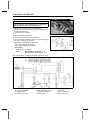
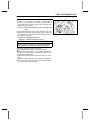
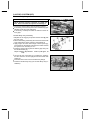
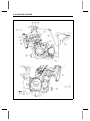
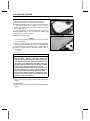
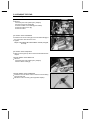
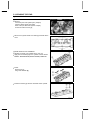
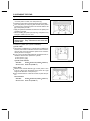
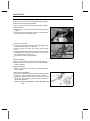
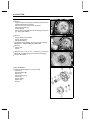
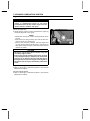
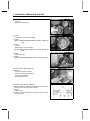
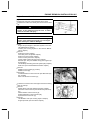
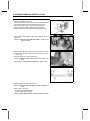
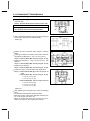
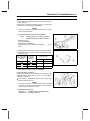
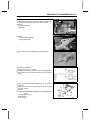
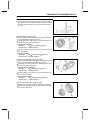
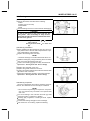
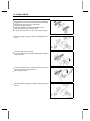
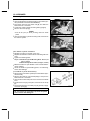
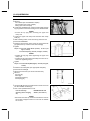
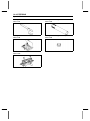
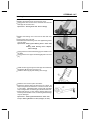
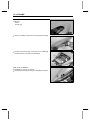
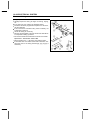
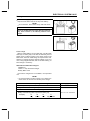
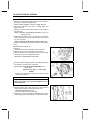
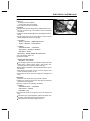
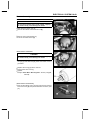
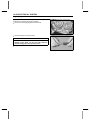
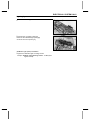
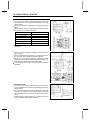
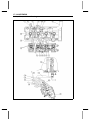
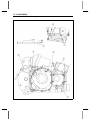
Alternator Cover Removal
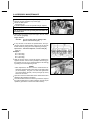
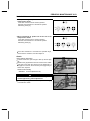
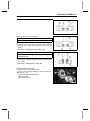
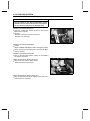
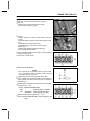
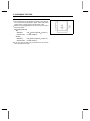
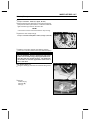
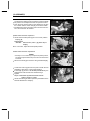
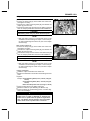
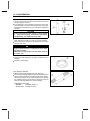
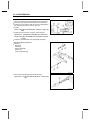
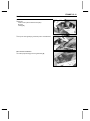
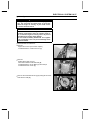
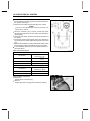
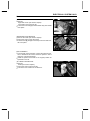
• Remove:
Left Frame Cover (see Frame chapter)
Clamp (open) [A]
Alternator Lead Connector [B]
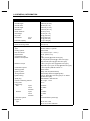
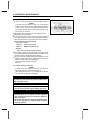
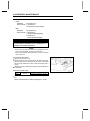
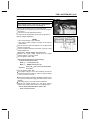
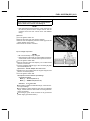
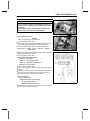
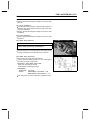
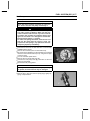
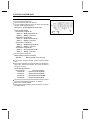
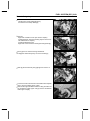
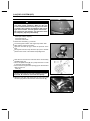
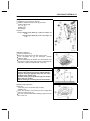
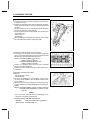
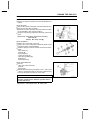
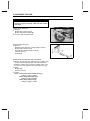
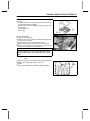
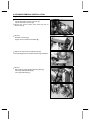
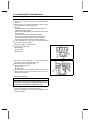
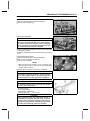
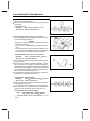
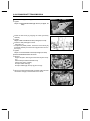
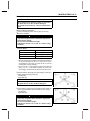
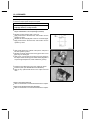
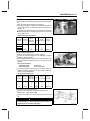
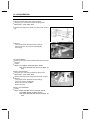
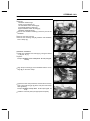
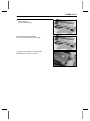
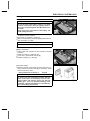
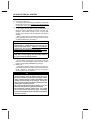
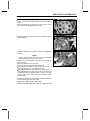
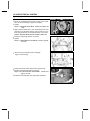
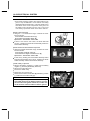
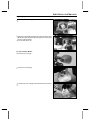
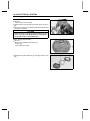
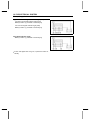
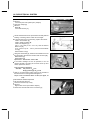
a suitable container under the alternator cover [A],
• Place
and remove the cover bolts [B].
• Pull the alternator cover outside.
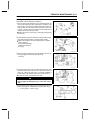
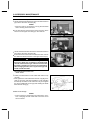
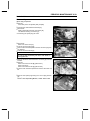
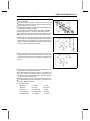
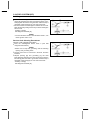
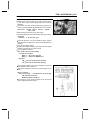
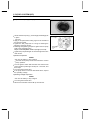
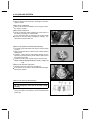
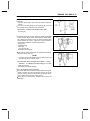
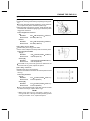
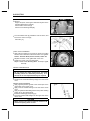
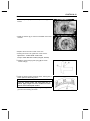
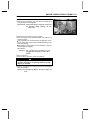
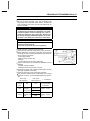
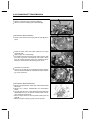
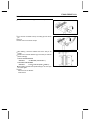
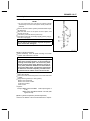
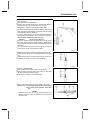
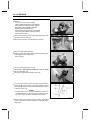
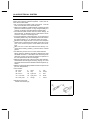
Alternator Cover Installation
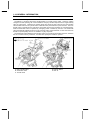
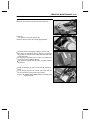
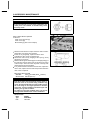
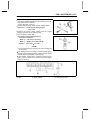
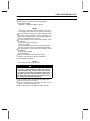
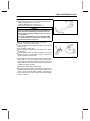
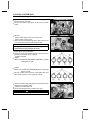
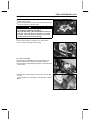
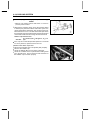
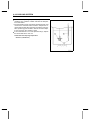
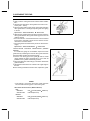
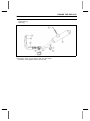
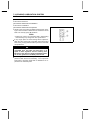
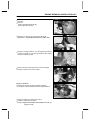
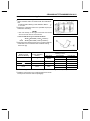
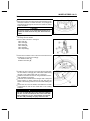
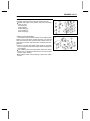
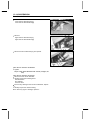
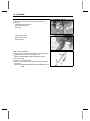
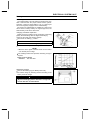
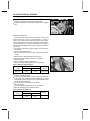
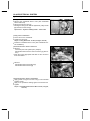
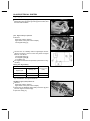
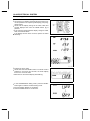
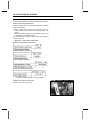
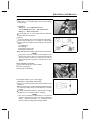
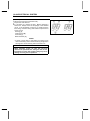
silicone sealant to the alternator lead grommet and
• Apply
crankcase halves mating surface [A] on the front and rear
sides of the cover mount.
Sealant - Kawasaki Bond (Silicone Sealant): 56019– 120
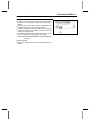
that knock pins [B] are in place on the crankcase.
• Check
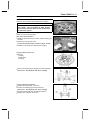
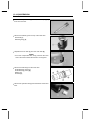
Install
a
• Tighten: new gasket and the alternator cover.
•
Torque - Alternator Cover Bolts: 11 N·m (1.1 kgf·m, 95 in·lb)
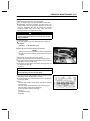
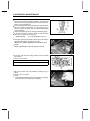
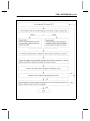
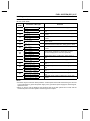
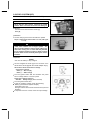
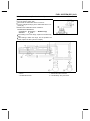
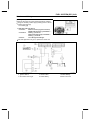
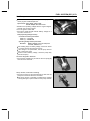
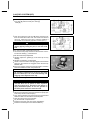
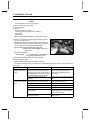
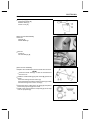
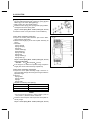
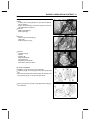
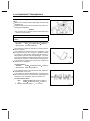
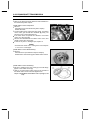
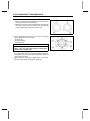
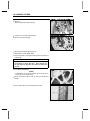
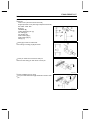
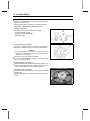
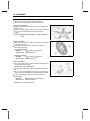
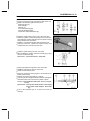
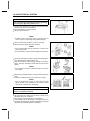
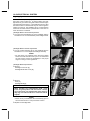
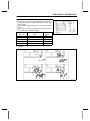
Stator Coil Removal
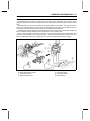
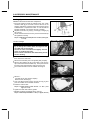
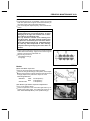
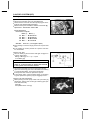
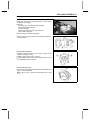
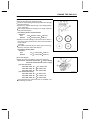
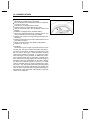
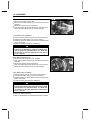
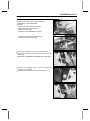
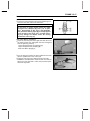
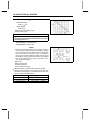
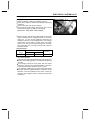
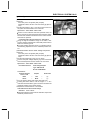
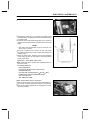
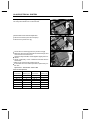
• Remove:
Alternator Cover (see Alternator Cover Removal)
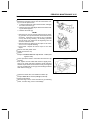
•
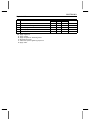
Holding Plate Bolt [A] and Plate
Alternator Lead Grommet [B]
Stator Coil Bolts [C]
Remove the stator coil [D] from the alternator cover.