1
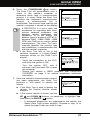
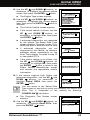
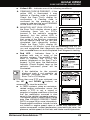
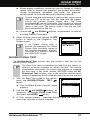
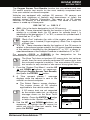
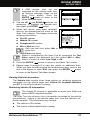
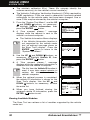
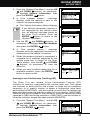
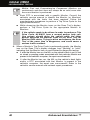
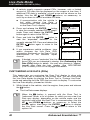
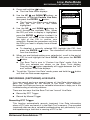
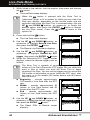
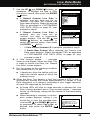
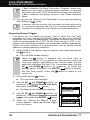
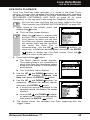
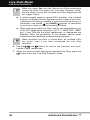
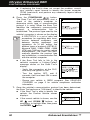
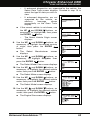
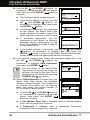
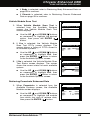
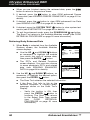
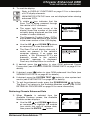
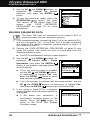
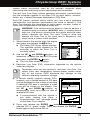
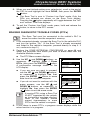
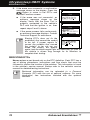
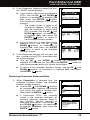
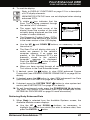
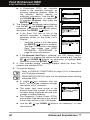
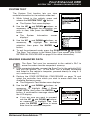
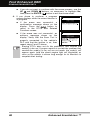
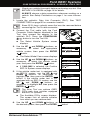
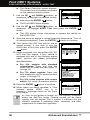
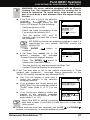
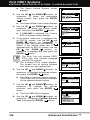
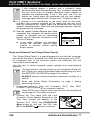
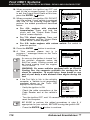
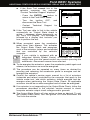
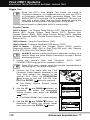
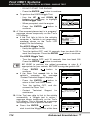
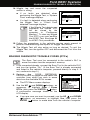
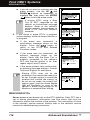
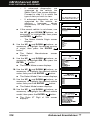
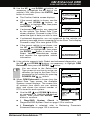
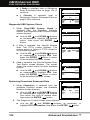
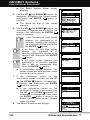
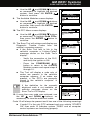
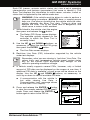
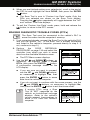
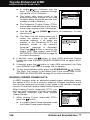
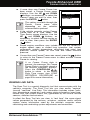
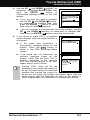
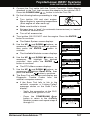
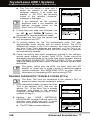
Ford OBD1 Systems ADDITIONAL TESTS FOR EEC-IV SYSTEMS - RELAY AND SOLENOID TEST 10. When prompted, turn ignition key OFF and wait for the on screen prompt. If you wish to exit the Output State Check at this time, button. press the ENTER 11. When prompted, turn ignition ON. DO NOT start the engine. If your vehicle is equipped with one of the following engine types, perform the added procedures described below: For 4.9L engines with standard transmission: Press and hold the clutch until the "Output State Check Active" screen displays. For 7.3L diesel engines: Press and hold accelerator until the "Output State Check Active" screen displays For 2.3L turbo engines with octane switch: Put switch in premium position. 12. Press the ENTER button to continue. 13. A "One moment please test is in progress..." message shows on the Tool's LCD display. As soon as the ignition is turned "on", the vehicle's computer enters the Self-Test mode. Clicking sounds will be heard coming from the engine. This is normal. WARNING: On some vehicles equipped with an Electric Cooling Fan, the computer activates the cooling fan to check its operation. To avoid injury, keep hands or any part of your body a safe distance from engine during the test. If the Tool fails to link to the vehicle's computer, a “Vehicle is not responding” message shows on the Tool’s LCD display. Do the following: - Verify the ignition is ON. - Check the cable connections at the Code Reader and at the vehicle’s DLC. - Turn the ignition OFF, wait 10 seconds, then turn back ON to reset the computer. BE SURE to perform the added procedures in step 6, if appropriate for your vehicle, BEFORE turning the ignition ON. - Press the ENTER 110 button to continue. Enhanced ScanAdvisor ™