1
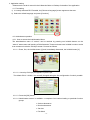
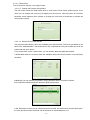
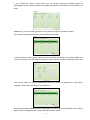
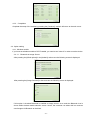
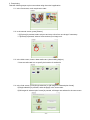
If you uncheck the ‘Active’ check boxes, you can directly deactivate particular articles. A
deactivated article is not shown within the available articles and for this reason is not offered by the
kiosk.
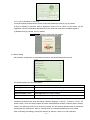
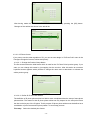
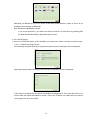
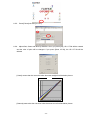
Additionally, you can edit the properties of every particular article. Proceed as follows:
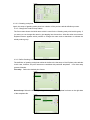
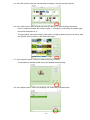
First, select the desired article and press the [Edit article] button:
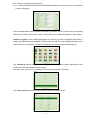
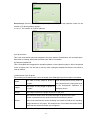
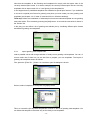
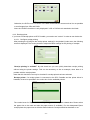
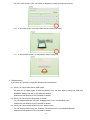
In the ‘Edit article’ screen you can change the article number, the article name and the article price
of ID photo articles. As in the previous screen the article can be activated or deactivated here, too.
After having made the desired modifications leave this screen by pressing the [OK] button.
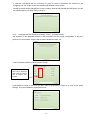
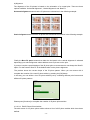
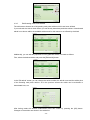
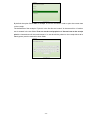
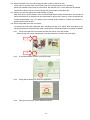
Changes of the articles are shown in the article list:
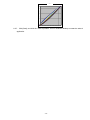
By pressing the [Edit additional product data] button you can modify the properties of the ID photo
pattern which is assigned to the currently selected ID photo article:
- 17 -