1
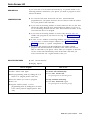
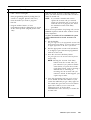
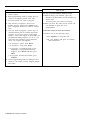
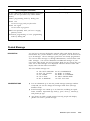
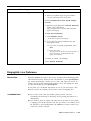
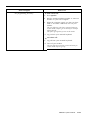
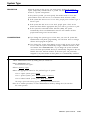
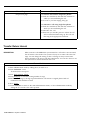
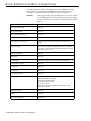
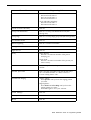
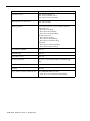
How to Program
No programming necessary.
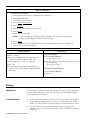
How to Use
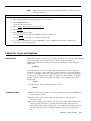
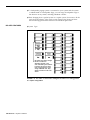
1 Press Loudspeaker Page.
2 Lift your handset.
3 Make your announcement.
4 Hang up.
The loudspeaker turns off automatically.
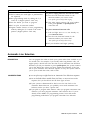
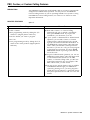
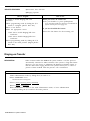
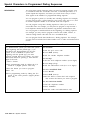
Manual Signaling
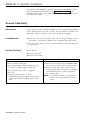
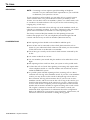
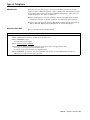
DESCRIPTION
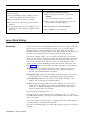
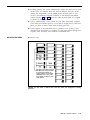
You can use a Manual Signaling button to generate a beep at a co-worker’s
phone. Program a Manual Signaling button for each person you want to
signal.
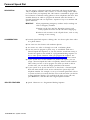
CONSIDERATIONS
●
You can signal someone with a Manual Signaling button while you have
an outside call in progress.
●
The beep sounds at your co-worker’s phone even if it is busy.
●
If you program this feature on a button with lights, the green light next to
the button goes on when your co-worker uses his or her phone or uses
the Do Not Disturb feature.
●
You cannot have both a Manual Signaling button and an Auto Intercom
button for the same person. If you try to program both, you deactivate the
feature that you programmed earlier.
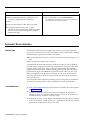
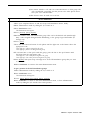
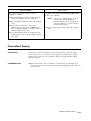
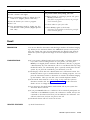
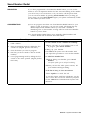
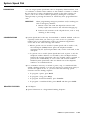
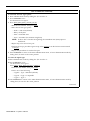
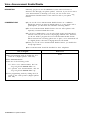
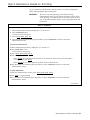
How to Program
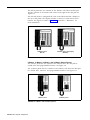
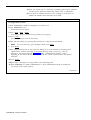
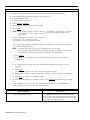
1 Label a button.
2 Enter programming mode by sliding the T/P
switch to P. (Digital phones: Dial #33.)
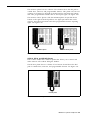
3 Press the button you want to program.
4 Dial *60 plus the intercom number of the
person you are signaling.
5 Leave programming mode by sliding the T/P
switch to the center position. (Digital phones:
Dial #00.)
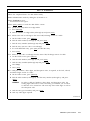
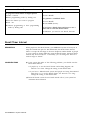
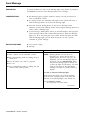
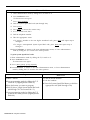
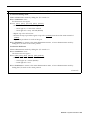
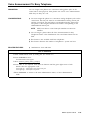
How to Use
To signal a co-worker:
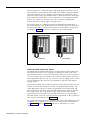
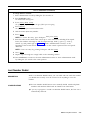
1 Without lifting your handset, press the Manual
Signaling button.
To place an intercom call using a Manual
Signaling button:
1 Press Intercom-Voice or Intercom-Ring.
2 Lift the handset.
3 Press the Manual Signaling button.
MERLIN II System Features
3-91