1
THE EXAMPLE JSP PAGES
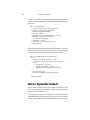
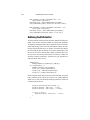
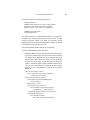
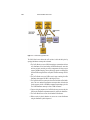
• Instead of accessing the bookstore database directly, the helper object goes
through a data access object database.BookDAO.
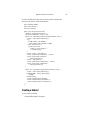
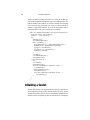
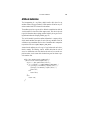
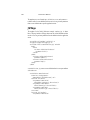
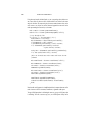
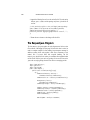
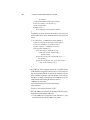
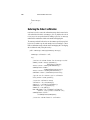
The implementation of the database helper object follows. The bean has two
instance variables: the current book and a reference to the database enterprise
bean.
public class BookDB {
private String bookId = "0";
private BookDBEJB database = null;
public BookDB () throws Exception {
}
public void setBookId(String bookId) {
this.bookId = bookId;
}
public void setDatabase(BookDBEJB database) {
this.database = database;
}
public BookDetails getBookDetails()
throws Exception {
try {
return (BookDetails)database.
getBookDetails(bookId);
} catch (BookNotFoundException ex) {
throw ex;
}
}
...
}
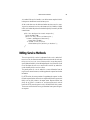
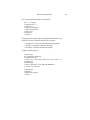
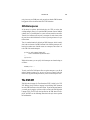
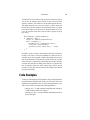
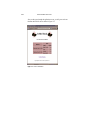
Finally, this version of the example contains an applet to generate a dynamic digital clock in the banner. See Including an Applet (page 100) for a description of
the JSP element that generates HTML for downloading the applet.
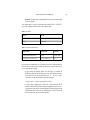
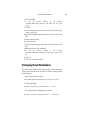
The source for the Duke’s Bookstore application is located in the
<INSTALL>/j2eetutorial/examples/web/bookstore2 directory.
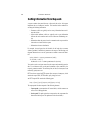
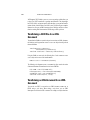
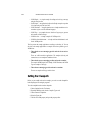
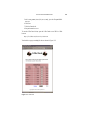
To deploy and run the example:
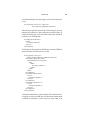
1. In the IDE, mount the filesystem
<INSTALL>/j2eetutorial/examples/web/bookstore2.
2. Expand the bookstore2 node.
3. Right-click the DigitalClock class and choose Compile.
4. Right-click the WEB-INF directory and choose Deploy.
87