1
2. OPERATION
2.9.2
Units of measurement
Distance/speed can be displayed in nautical miles/knots, kilometers/kilometers
per hour, or miles/miles per hour.
1.
2.
3.
4.
5.
6.
7.
2.9.3
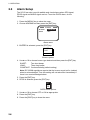
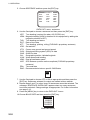
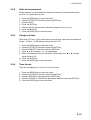
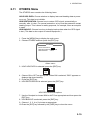
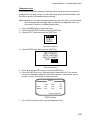
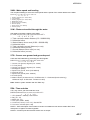
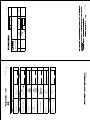
Press the [MENU] key to open the menu.
Choose SYS SETUP and then press the [ENT] key.
Choose UNITS.
Press the [ENT] key.
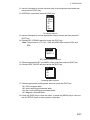
Choose unit of measurement combination desired; kt, km/h, mi/h.
Press the [ENT] key.
Press the [DISP] key to close the menu.
Using local time
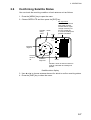
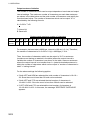
GPS uses UTC time. If you would rather use local time, enter the time difference
(range: -13:30 to +13:30) between local time and UTC.
1.
2.
3.
4.
5.
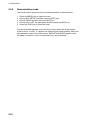
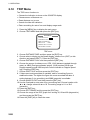
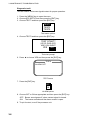
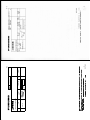
Press the [MENU] key to open the menu.
Choose SYS SETUP and then press the [ENT] key.
Choose TIME DIFF and then press the [ENT] key.
Press ▲ or ▼ to display + or – as appropriate.
Enter time difference with the Omnipad. Choose digit with ◄ or ►; change
value with ▲ or ▼.
6. Press the [ENT] key.
7. Press the [DISP] key to close the menu.
2.9.4
Time format
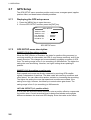
Time can be displayed in 12 hour or 24 hour format.
1.
2.
3.
4.
5.
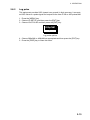
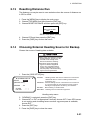
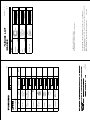
Press the [MENU] key to open the menu.
Choose SYS SETUP and then press the [ENT] key.
Choose TIME DISP and then press the [ENT] key.
Choose 12HOUR or 24HOUR as appropriate and then press the [ENT] key.
Press the [DISP] key to close the menu.
2-15