1
Section 4 – Disassembly/Reassembly
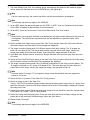
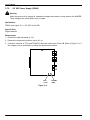
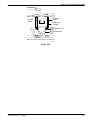
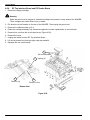
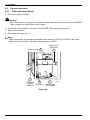
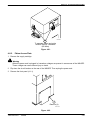
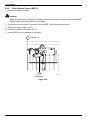
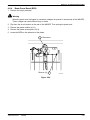
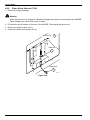
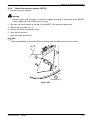
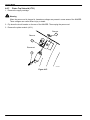
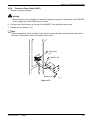
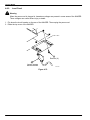
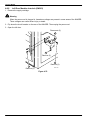
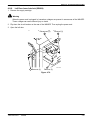
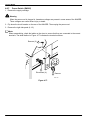
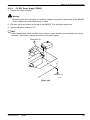
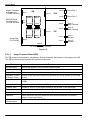
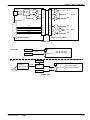
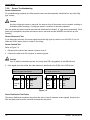
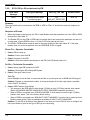
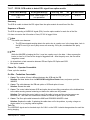
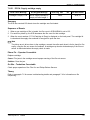
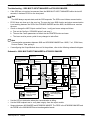
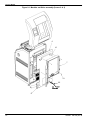
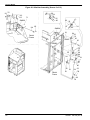
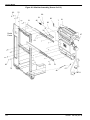
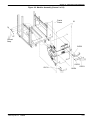
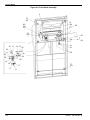
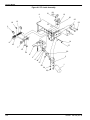
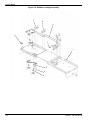
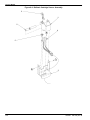
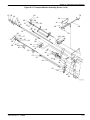
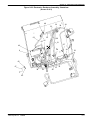
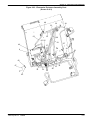
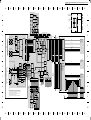
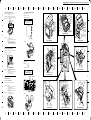
4-9-11. –5.2 VDC Power Supply (PS902)
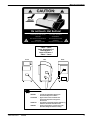
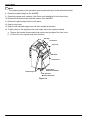
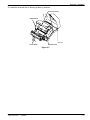
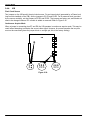
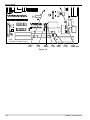
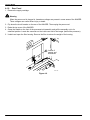
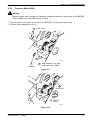
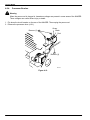
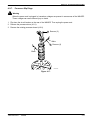
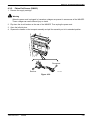
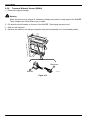
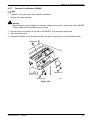
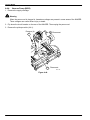
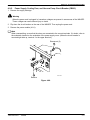
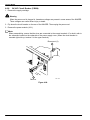
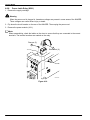
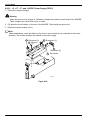
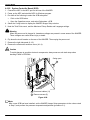
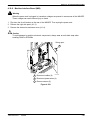
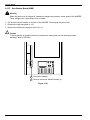
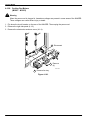
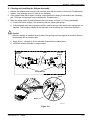
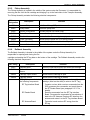
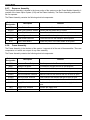
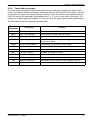
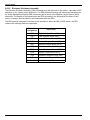
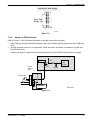
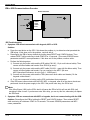
1. Remove the supply cartridge.
!
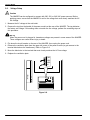
Warning
When the power cord is plugged in, hazardous voltages are present in some areas of the IMAGER.
These voltages can cause severe injury or death.
2. Flip down the circuit breaker on the rear of the IMAGER. Then unplug the power cord.
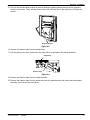
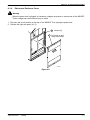
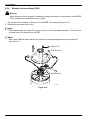
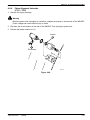
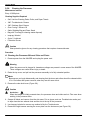
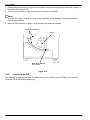
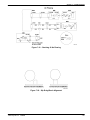
3. Remove the power module (4-9-1).
Note
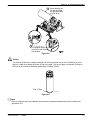
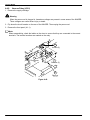
When reassembling, check the labels on the wires to ensure that they are connected to the correct
terminals. The terminal numbers are marked on the power supply.
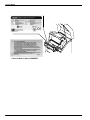
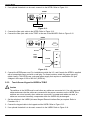
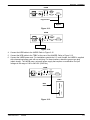
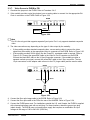
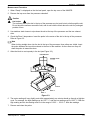
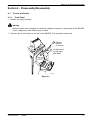
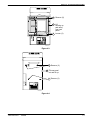
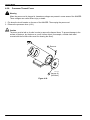
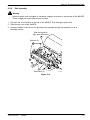
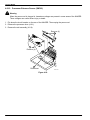
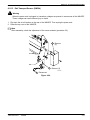
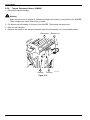
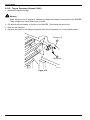
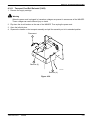
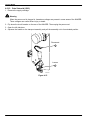
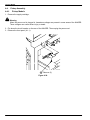
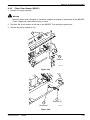
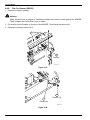
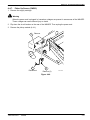
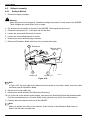
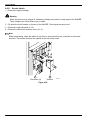
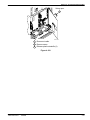
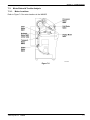
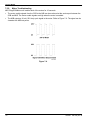
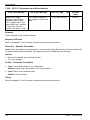
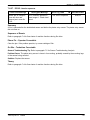
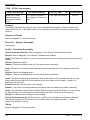
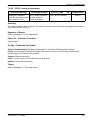
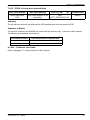
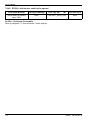
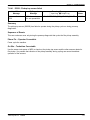
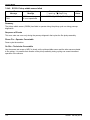
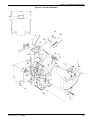
Disconnect (5)
5
4
Remove (2)
8700-148A
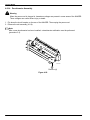
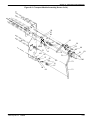
Figure 4-94.
2001 March Rev. L
1202688
4-83