1
Disassembly and Reassembly
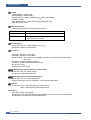
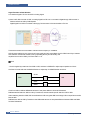
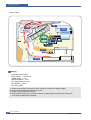
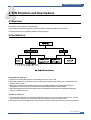
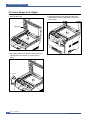
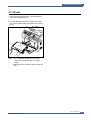
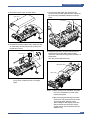
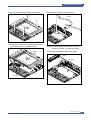
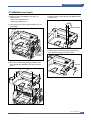
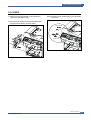
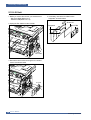
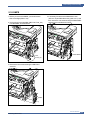
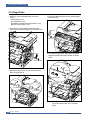
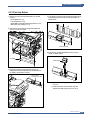
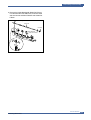
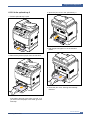
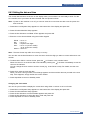
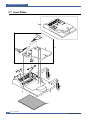
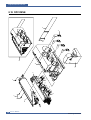
6. Remove the four screws securing the Scan Upper.
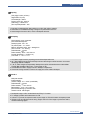
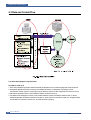
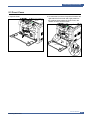
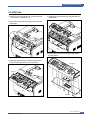
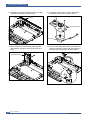
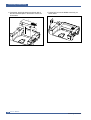
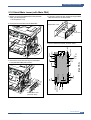
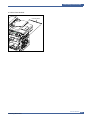
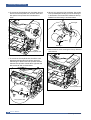
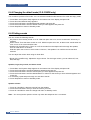
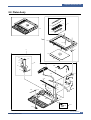
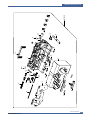
8. Remove the CCD Cable, as shown below.
CCD Cable
Core
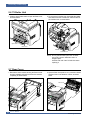
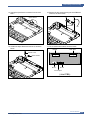
7. Release the six hooks securing the Scan Upper to the
Scan Lower and remove it, as shown below.
Scan Upper
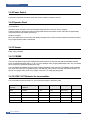
Notice: You should connector remove the CCD Cable
vertically to avoid the CCD Cable pin damage.
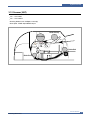
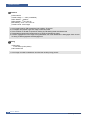
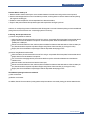
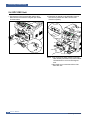
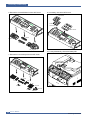
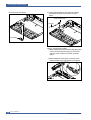
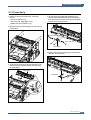
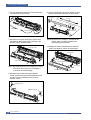
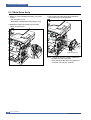
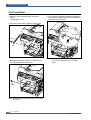
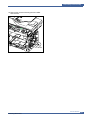
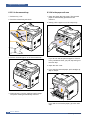
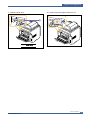
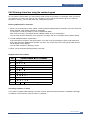
9. Pull up the CCD Shaft and take out the CCDM.
CCDM
CCD Shaft
Scan Lower
Service Manual
Samsung Electronics
5-13