1
4520-xxx
3
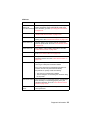
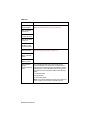
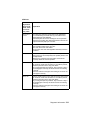
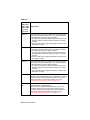
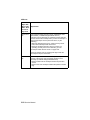
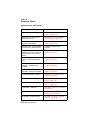
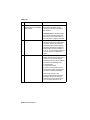
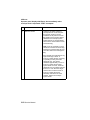
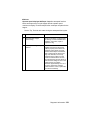
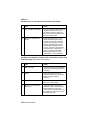
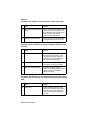
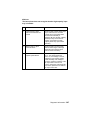
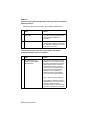
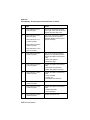
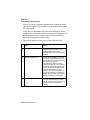
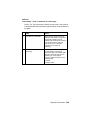
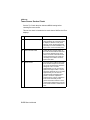
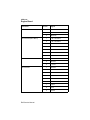
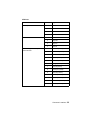
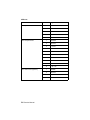
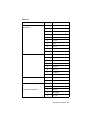
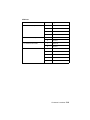
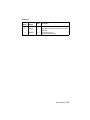
FRU
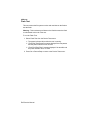
Action
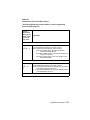
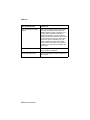
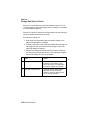
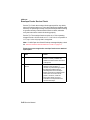
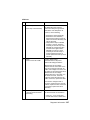
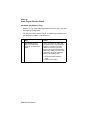
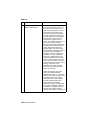
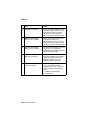
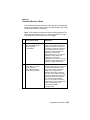
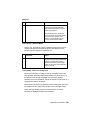
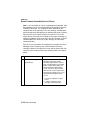
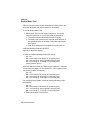
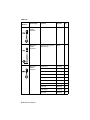
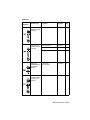
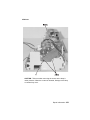
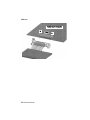
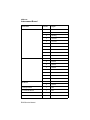
Autoconnect on the
Envelope Feeder.
Check for any signs of damage to
the connector or contacts. If you find
damage, replace the damaged
cable/connector assembly.
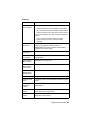
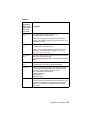
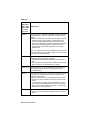
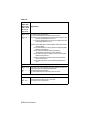
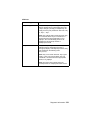
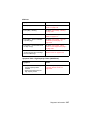
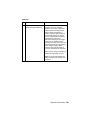
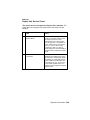
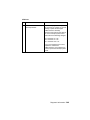
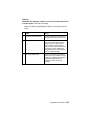
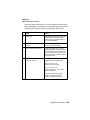
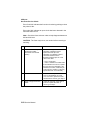
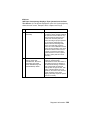
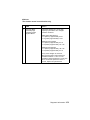
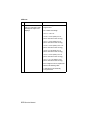
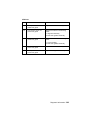
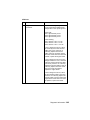
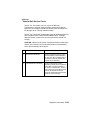
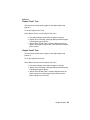
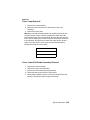
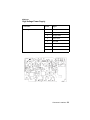
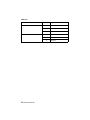
Disconnect the autoconnect cable at
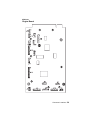
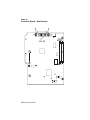
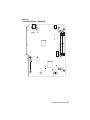
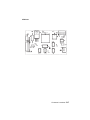
J1 on the envelope system board
and measure the following voltages:
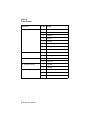
J1-3 measures +5 V dc
J1-5 measures +5 V dc
J1-7 measures +24 V dc
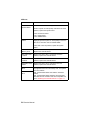
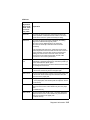
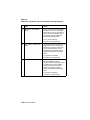
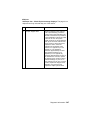
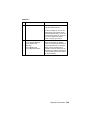
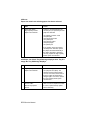
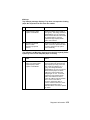
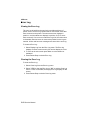
If any of the voltages are incorrect,
replace the autoconnect
cable/connector. If the voltages are
correct, replace the envelope system
board.
Diagnostic Information 2-49