1
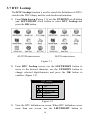
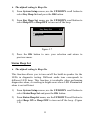
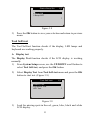
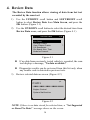
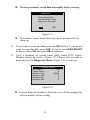
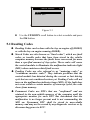
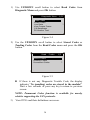
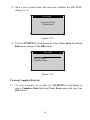
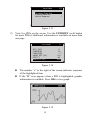
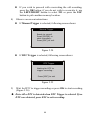
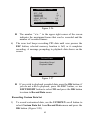
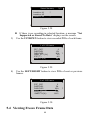
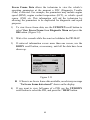
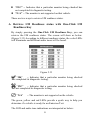
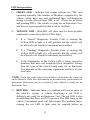
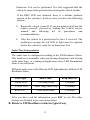
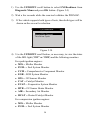
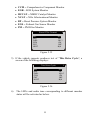
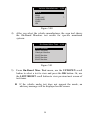
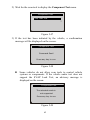
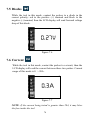
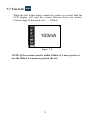
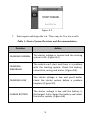
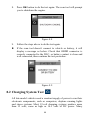
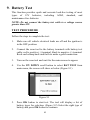
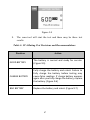
The purpose of this function is to indicate which of the vehicle‟s monitors have run and completed their diagnosis and testing, and which ones have not yet run and completed testing and diagnosis of their designated sections of the vehicle‟s emission system. All data shows on one screen, which provides a simple profile of vehicle at a glance, saving diagnosis time and improving technician productivity. Use the UP/DOWN scroll button and LEFT/RIGHT scroll button to select Ready Test from Main Screen (Figure 6.1), and press the OK button. Figure 6.1 As post-repair diagnostic tool This function can be used (after the vehicle has done any emission-related repairs) to confirm that the repair has been performed successfully. After repairs, some drive cycles are required to reset the monitoring systems. Drive cycles vary among vehicles and for each monitor in any particular vehicle. Use the following procedure to check if the repair has been done correctly: 1) Connect the scan tool to the vehicle‟s DLC and erase the DTC(s) from the vehicle‟s computer memory. (see 5.2 erasing codes) 67